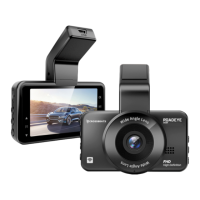
Keys and Functions
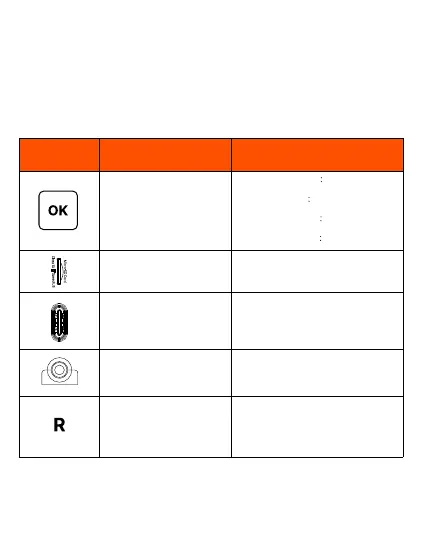
1. Start/Stop Recording
2. Take Photo
3. Playback
4. Confirm Setting
Recording
Power
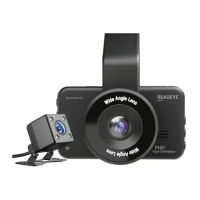
Rear Camera Port
Reset
Key/Port Function Instruction
1.On Recording Mode short press to
start/stop recording
2. On Photo Mode
short press to take
photos
3. On Playback Mode
short press to
playback/ pause the video
4. On System Setting
confirm the setting
Micro SD card Slot to insert the SD
card to record the videos
Use a USB-C charging cable
connected to the car charger, and
plug in into a USB-C port to power the
Device ON.
Use to connect the rear camera to the
Front main camera
R- it is a reset PIN, and can be
accessed using a pin or a SIM ejector,
When the device crashes, short press
here to Reboot the camera.


 To Next Page