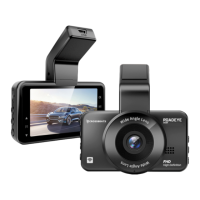
To remove the MicroSD card first turn OFF
the camera, then gently push its edge
inward until it clicks, and then pops out,
then simply pull it out of the slot.
1. Press the M button once to enter the video settings.
2. Press the M button again to switch to the system settings.
3. Then press the DOWN button to scroll down until you see “Format Memory Card”, then press
DOWN button to highlight the CONFIRM.
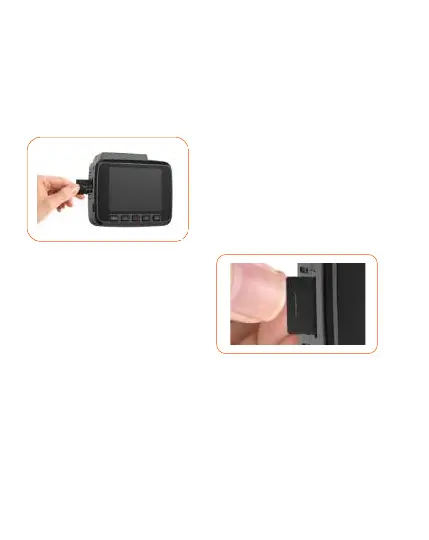
Make sure the camera is turned OFF First. Then
align the GOLD CONTACTS facing towards the
front of the camera (Lens Side). Then insert the
memory card halfway in. Then use your fingernail
or a paper clip to push the card all the way
inward until it clicks and locks in place.
TO REMOVE
Format the memory card before first time use
Steps to format the SD card.
TO INSTALL
INSERTING / REMOVING A
MICRO SD CARD
Note: The recommended SD card is Class 10 with U3
speed, supporting up to 256GB.


 To Next Page