EasyManua.ls Logo

Crosscall Element - User Manual

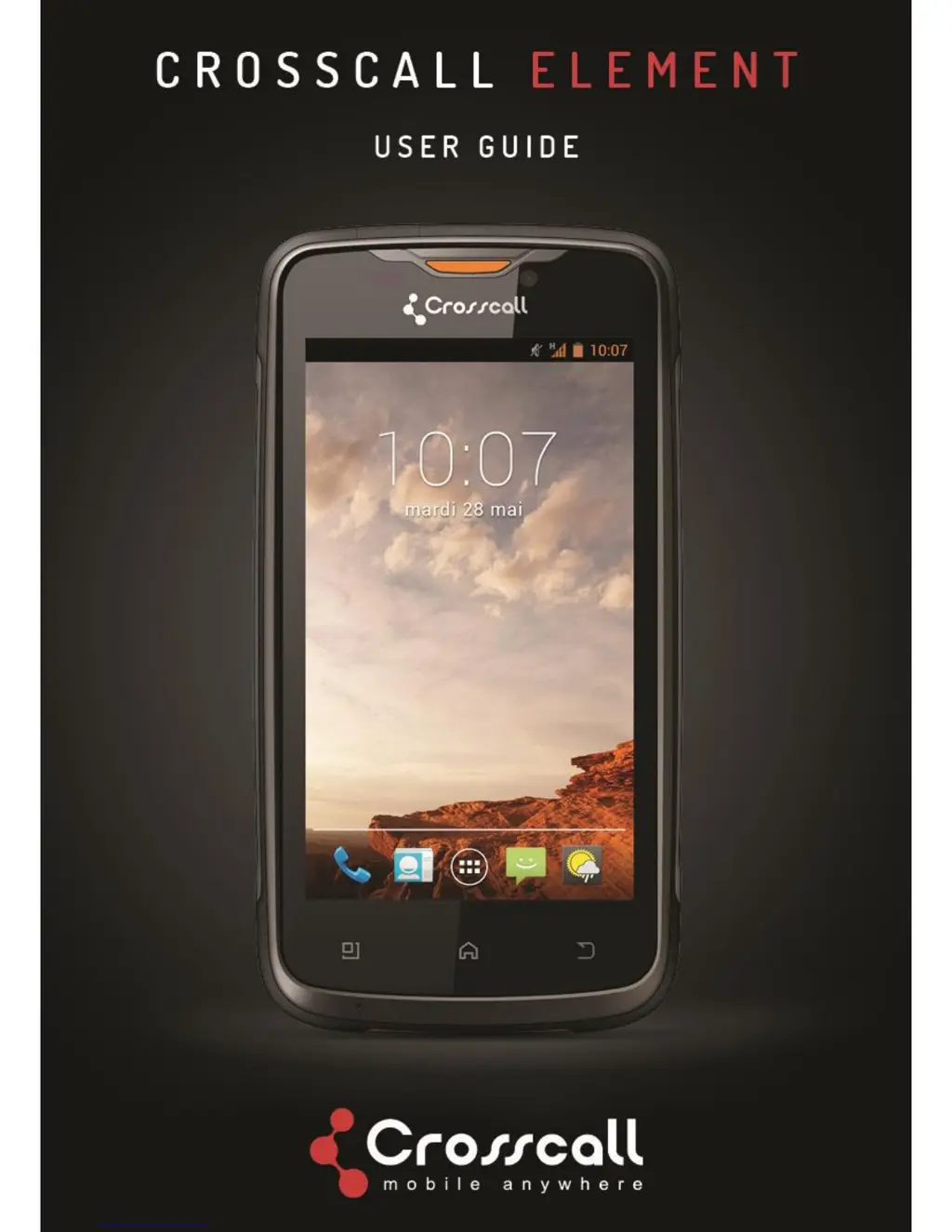
Crosscall Element
22 pages
Print Icon
To Next Page IconTo Next Page
Loading...

Questions and Answers

Summary

Know your phone

Phone Components

Identifies physical buttons, ports, cameras, and speakers on the device.

Set the phone

Connected to the wireless network

Internet Connectivity

Connecting to the internet via mobile data or Wi-Fi networks.

Capturing life moments

Email

Troubleshooting

Common Problems and Solutions

Lists common phone issues and their corresponding resolutions.

Safety and general information

FCC RF Exposure Information

Details on Specific Absorption Rate (SAR) limits and compliance.

FCC Warning and Compliance

Device compliance with FCC rules, including interference and operation conditions.

General Precautions

Guidelines for mobile phone and battery usage, temperature, and handling.

Phone Precautions

Safety guidelines for using the phone in specific environments and avoiding damage.

Battery Safety Precautions

Critical safety instructions for handling, charging, and disposing of batteries.

Charger Precautions

Guidelines for using the charger safely and correctly.

Crosscall Element Specifications

General IconGeneral
Display TypeIPS LCD
Card slotmicroSDXC (dedicated slot)
Main Camera FeaturesLED flash, HDR, panorama
Video1080p@30fps
LoudspeakerYes
3.5mm jackYes
WLANWi-Fi 802.11 b/g/n, hotspot
Bluetooth4.1, A2DP
NFCYes
RadioFM radio
USBmicroUSB 2.0
ColorsBlack
NetworkGSM / HSPA / LTE
SIMDual SIM (Nano-SIM, dual stand-by)
RAM4GB
GPSYes, with A-GPS, GLONASS, BDS
SensorsAccelerometer, gyro, proximity, compass
Water ResistanceIP68

Related product manuals