page 61
Reference Manual
Networked PIP Series
IQ-PIP-LITE AND IQ-PIP-USP3 ONLY
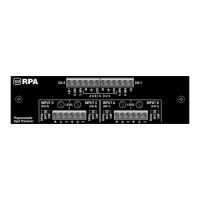
Problem: Yellow LINK ACT indicator in network connector does not
illuminate or flash.
Possible cause: Ethernet link is broken.
IQ-PIP-LITE AND IQ-PIP-USP3 ONLY
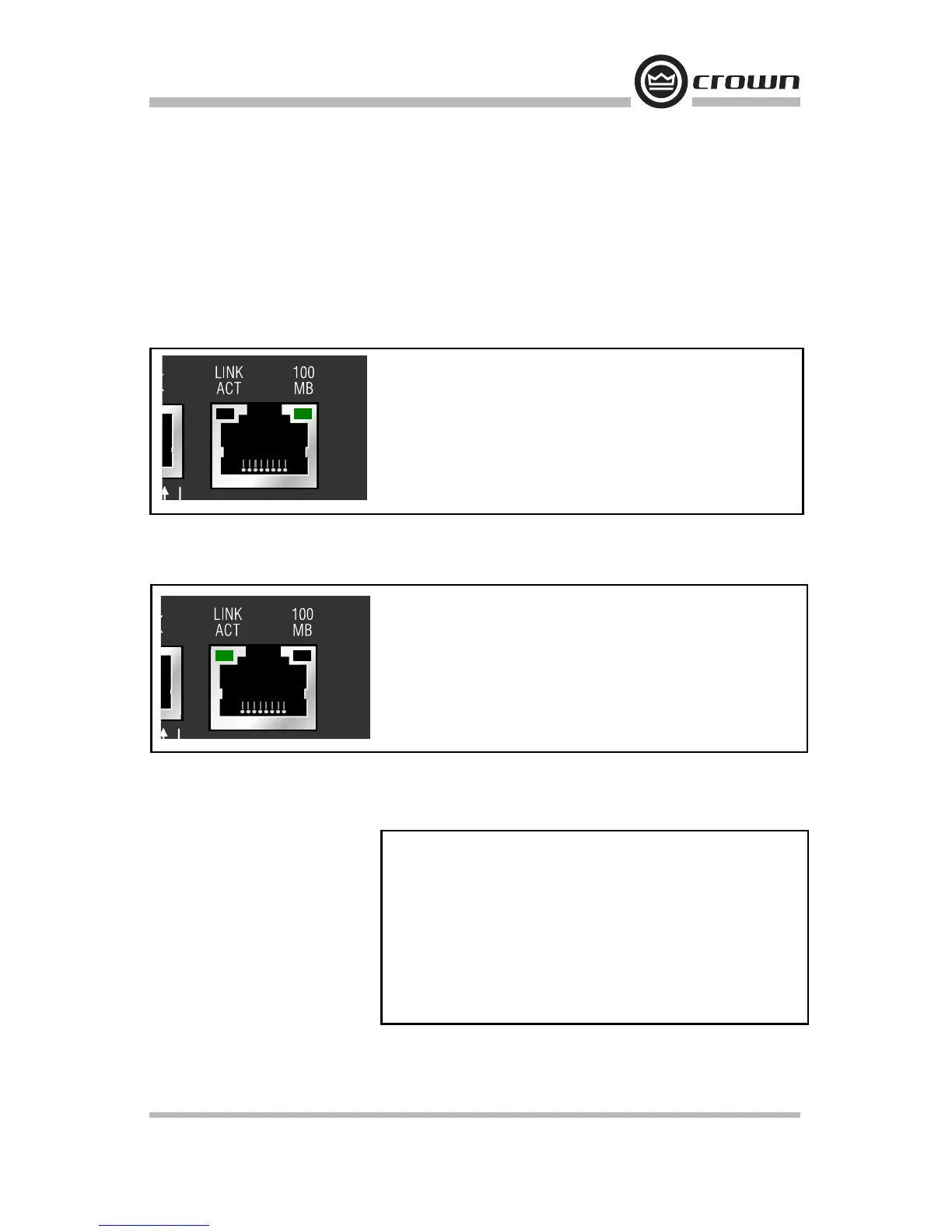
Problem: Yellow LINK ACT indicator is on but green 100 MB indicator
in network connector does not illuminate.
Possible cause: Network connection is 10 Megabits.
10 Troubleshooting
Problem: Computer does not communicate with the network
devices.
Possible cause: Incorrect wiring. See Section 3.4 on wiring.
Possible cause: IP Addressing is not done correctly. See Section 4.2
on addressing rules.


 To Next Page