ΒΤ 100 USB Bluetooth Dongle Manual
________________________________________________________________________
17
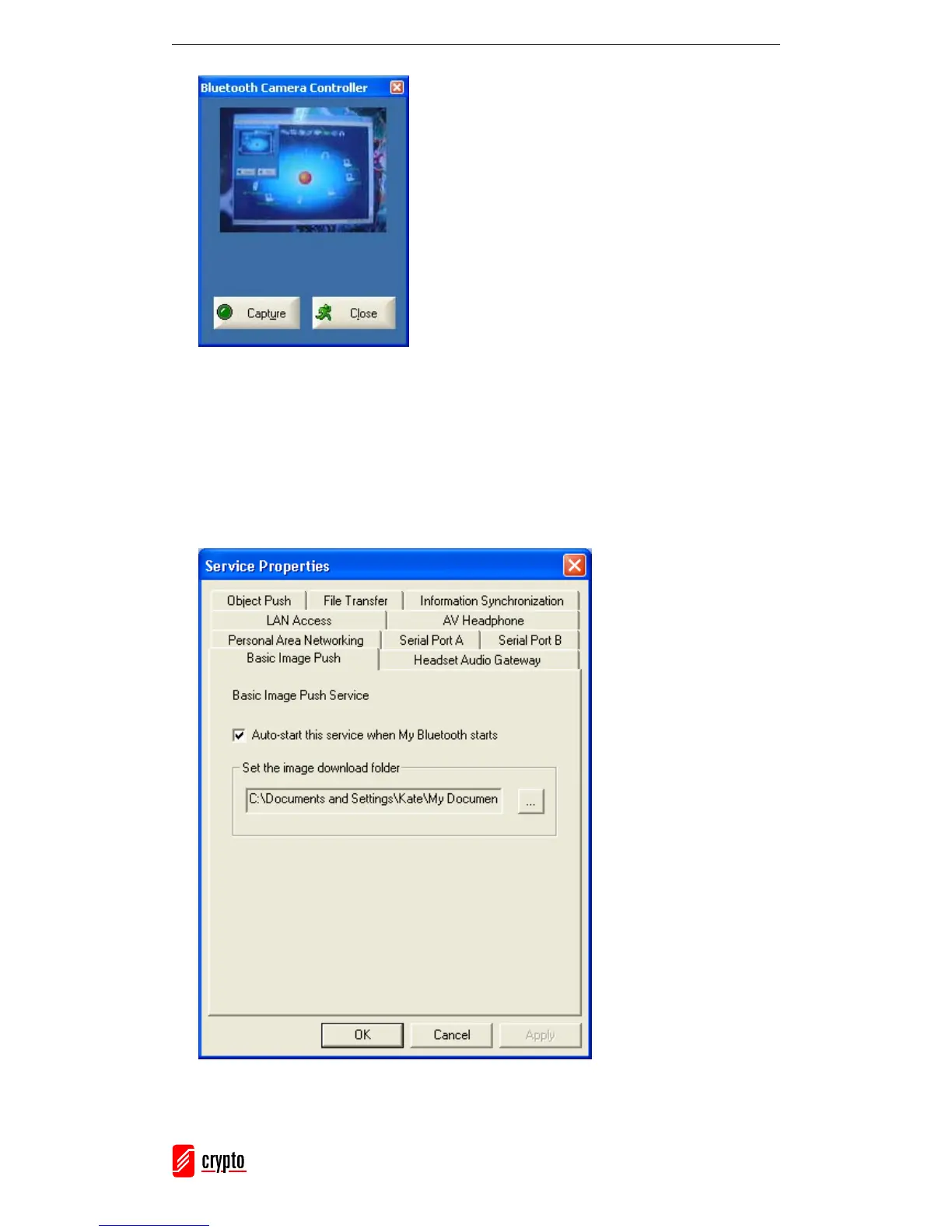
2. Click Capture to capture the image. The captured image will be transmitted and
displayed to your computer.
Receive Pictures
1. Assign the directory where you would like to save image files from the client
device. To do that go to My Services → Properties and go to the Basic Image
Push tab.
2. In the Set the image download folder field, browse to select the file location and



 To Next Page