ΒΤ 100 USB Bluetooth Dongle Manual
________________________________________________________________________
25
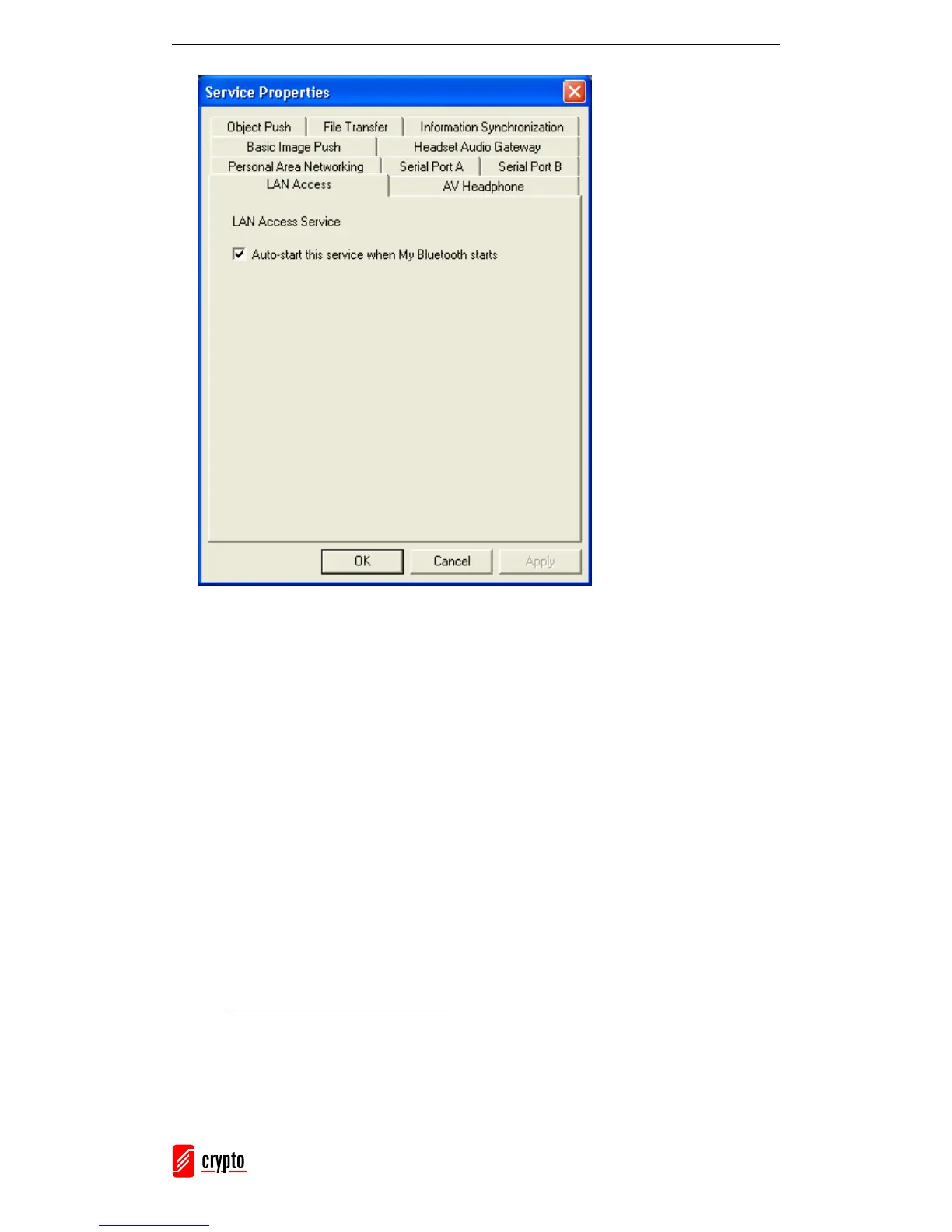
Check the box Auto-start this service when My Bluetooth starts.
6.4.9 Object Push
The Bluetooth Object Push Profile (OPP) allows you to send to a Bluetooth enabled PDA
or mobile phone (and receive from it) Personal Information Management (PIM) data
objects.
The objects can be:
1. Contacts (*.vcf)
2. Calendars (*.vcs)
3. Notes (*.vnt)
4. Messages (*.vmg)
Push Objects to a Bluetooth Mobile Phone
There are two ways to push objects:
1. From BlueSoleil Main Window:
Double-click on the device icon. Once the supported service buttons are highlighted,
go to the Object Push Service icon (it should be highlighted) and right-click. From the
pop-up menu you can select one from the following items:



 To Next Page