ΒΤ 100 USB Bluetooth Dongle Manual
________________________________________________________________________
22
The Bluetooth enabled mouse or keyboard can automatically re-connect to your computer
after you successfully establish the initial connection.
6.4.8 LAN Access
The Bluetooth LAN Access Profile (LAP) allows you to access a LAN via a Bluetooth
enabled LAN access point or use your computer as a LAN Access Point.
Access a LAN via a Bluetooth enabled Access Point
1. Connect to the LAN Access Point’s LAP service.
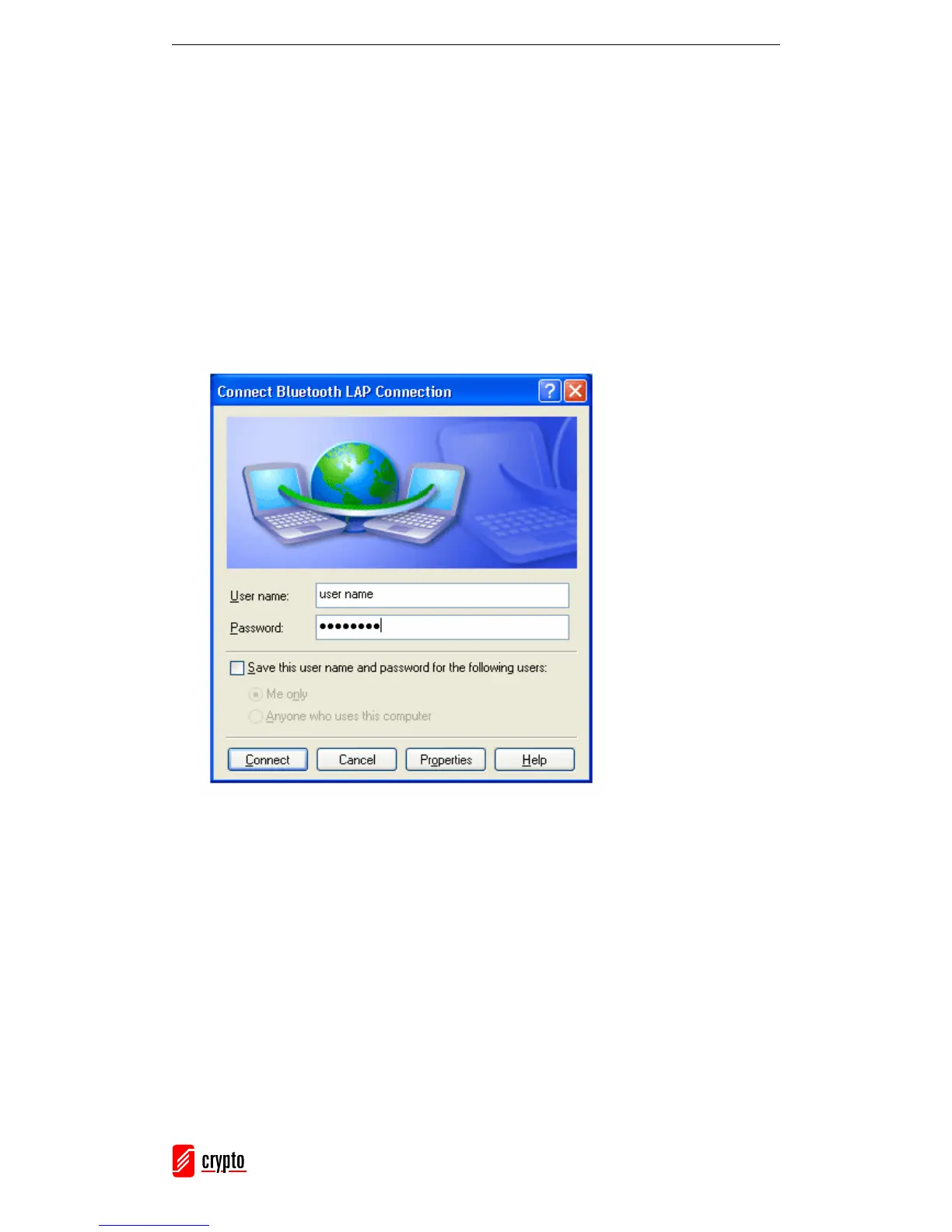
2. The Connect Bluetooth LAP Connection dialog appears.
Enter the User name and Password and click Connect.
Use your computer as a LAN Access Point (For Advanced Users)
1. Start the Bluetooth LAP Access service on BlueSoleil.
2. Specify any static IP addresses for LAP clients. To do that, follow the next steps:
• Open the Network Connections Window (go to Start → Control Panel →
Network Connections). Right click the Incoming Connections and select
Properties.



 To Next Page