ΒΤ 100 USB Bluetooth Dongle Manual
________________________________________________________________________
27
Receive Objects from a Bluetooth enabled Phone
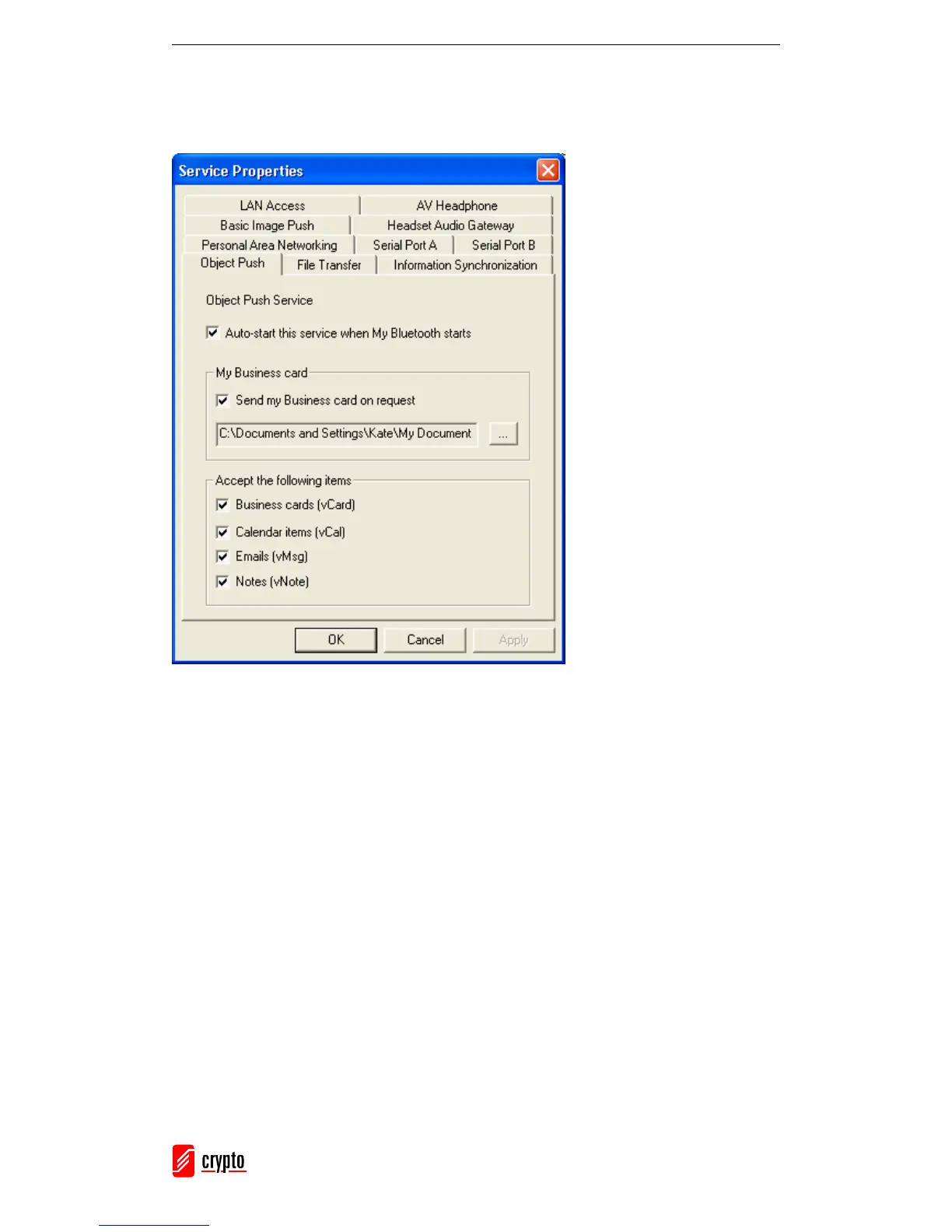
In the Main Window, go to My Services → Properties and select the Object Push tab,
in order to configure the parameters for the object push.
Start the Object Push service. Do not initiate a connection.
Send objects from the remote device (for further instructions, refer to the remote device’s
documentation).
Note:
The objects received from other devices are saved in My Documents → Bluetooth →
Inbox folder. The objects sent from your computer are saved in the My Documents →
Bluetooth → Outbox folder.
6.4.10 Personal Area Networking
The Bluetooth Personal Area Networking (PAN) Profile allows you to connect Bluetooth
enabled devices and form a PAN network. There are two kinds of PAN networks:
1. Group ad-hoc Network (GN), is an isolated network where multiple PAN users
(PANUs) are connected via a GN controller.



 To Next Page