ΒΤ 100 USB Bluetooth Dongle Manual
________________________________________________________________________
28
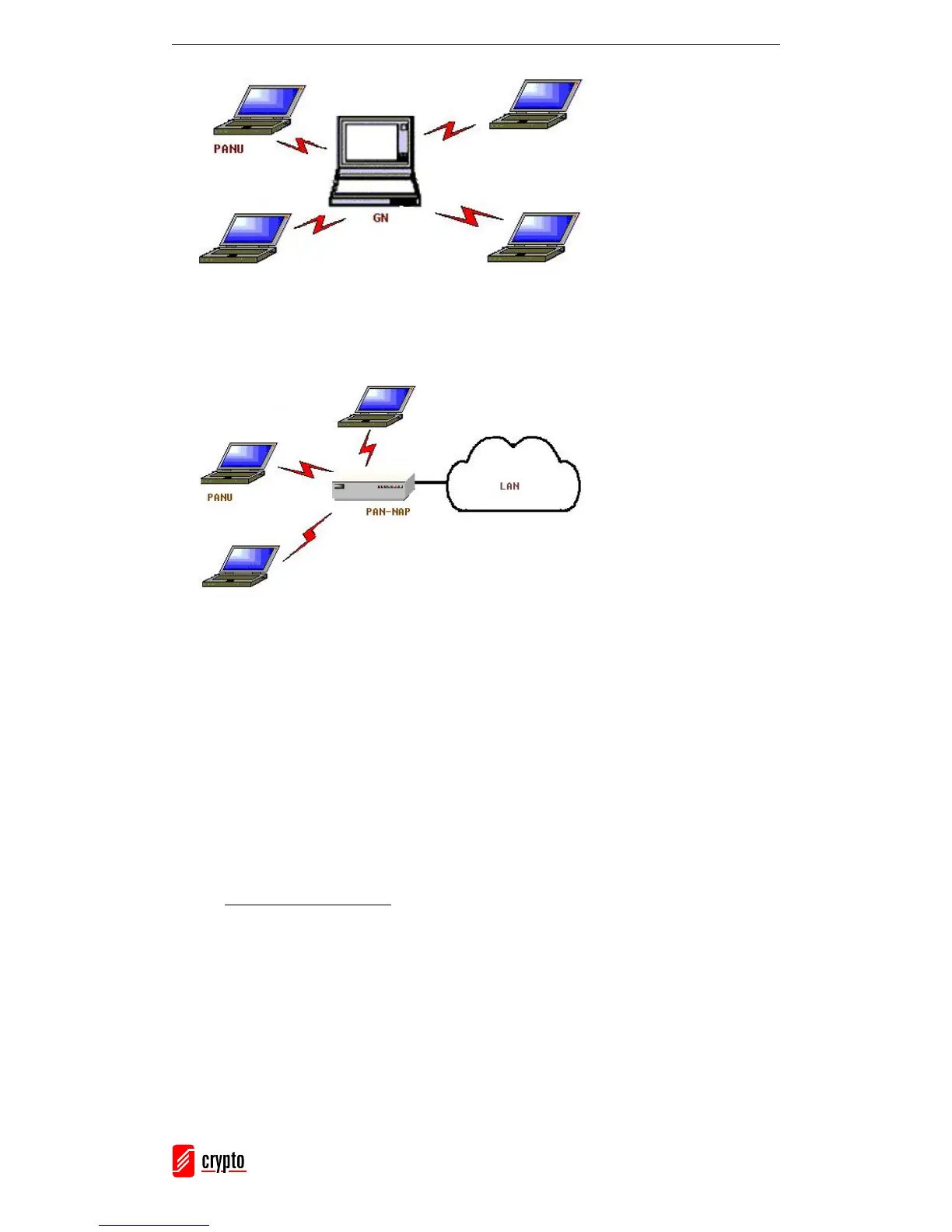
2. A PAN can consist of multiple PANUs connected to a Network Access Point
(NAP), which provides access to external Local Area Network (LAN)
infrastructure.
BlueSoleil supports these three device roles: GN (controller), PANU and NAP.
Connecting the PAN User (PANU)
1. Connect to the server’s Personal Area Network service.
2. After a few seconds, BlueSoleil will obtain and display your computer’s IP
address.
Configuring the NAP/GN
Go to Bluetooth Service → Properties and select the Personal Area Network tab.
1. Group Ad-hoc Network
Select Set up Bluetooth Personal Area Network and Enable DHCP Server. A
DHCP server will be started on the GN. The PANU can obtain an IP automatically
from this DHCP Server if the PANU does not set static IP address for the BT Network
Adapter.



 To Next Page