ΒΤ 100 USB Bluetooth Dongle Manual
________________________________________________________________________
18
click OK.
3. Start the BIP service.
4. Send pictures from the remote device. For instructions, refer to the user manual of
the remote device.
Note: Because BIP is an advanced service, for the service of Controlling Camera to take
pictures, the Bluetooth enabled mobile Phone that you want to connect has to support the
Audio / Video Remote Control Profile (AVRCP) and be compliant with Bluetooth V1.2.
6.4.3 Dial-up Networking
The Bluetooth Dial-up Networking (DUN) Profile allows you to wirelessly dial-up to
Internet through a Bluetooth modem or a mobile phone that supports the DUN Profile.
Dial-up to Internet via a Bluetooth mobile phone or modem
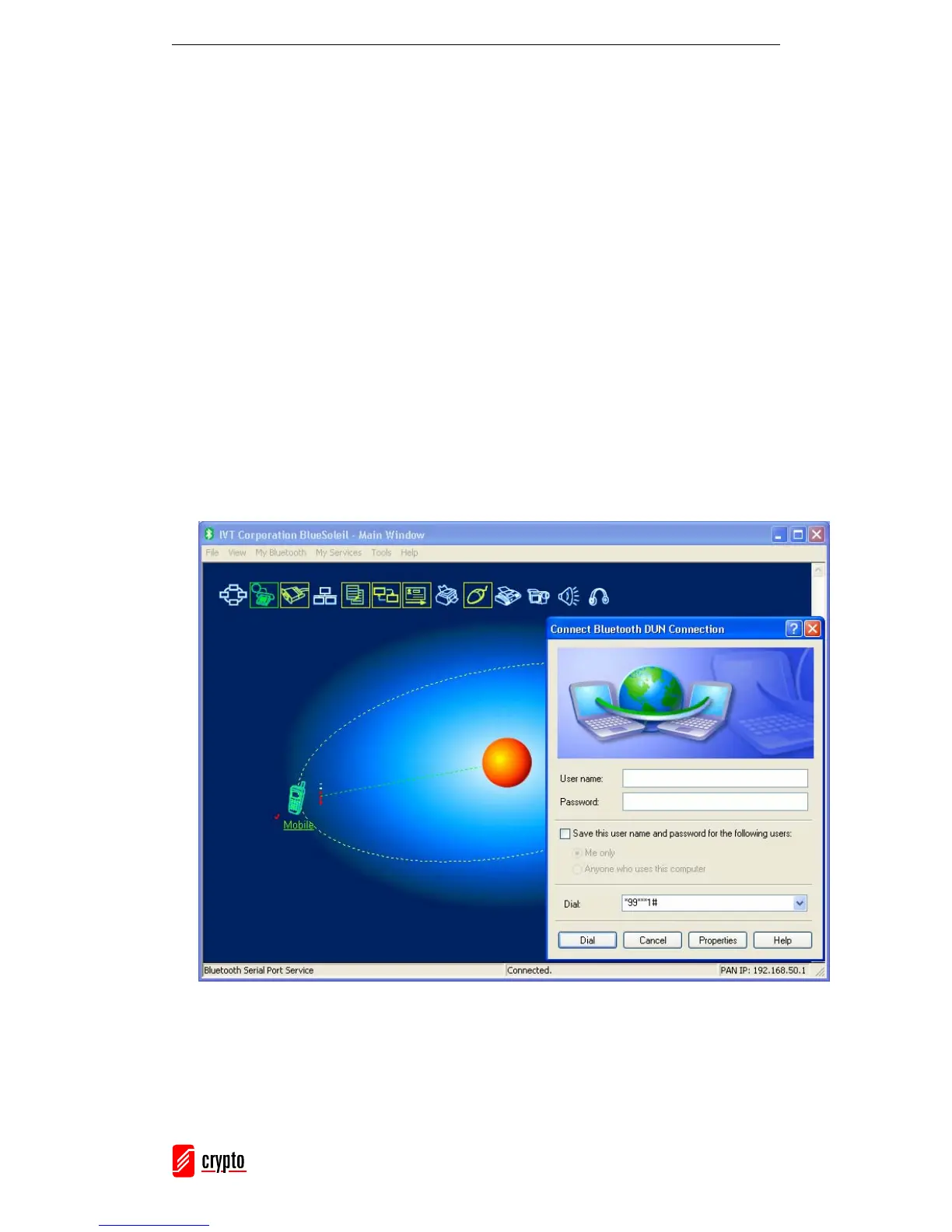
1. Connect to the remote device’s Dial-up Networking Service.
2. The Dial-Up Dialog will appear.
Enter the User name, the Password, the Dial-up number and click Dial.
Note:
The default dial-up number *99***1# only works with certain GPRS phones and service



 To Next Page