ΒΤ 100 USB Bluetooth Dongle Manual
________________________________________________________________________
26
• Send My Card: Send your default business card.
• Get Card: Get the default business card of the device.
• Send Objects: Select some objects (PIM files) and send to device.
• Exchange Cards: Your computer and the remote device will exchange their default
business cards.
2. From MS Outlook:
Select the contact that you would like to send.
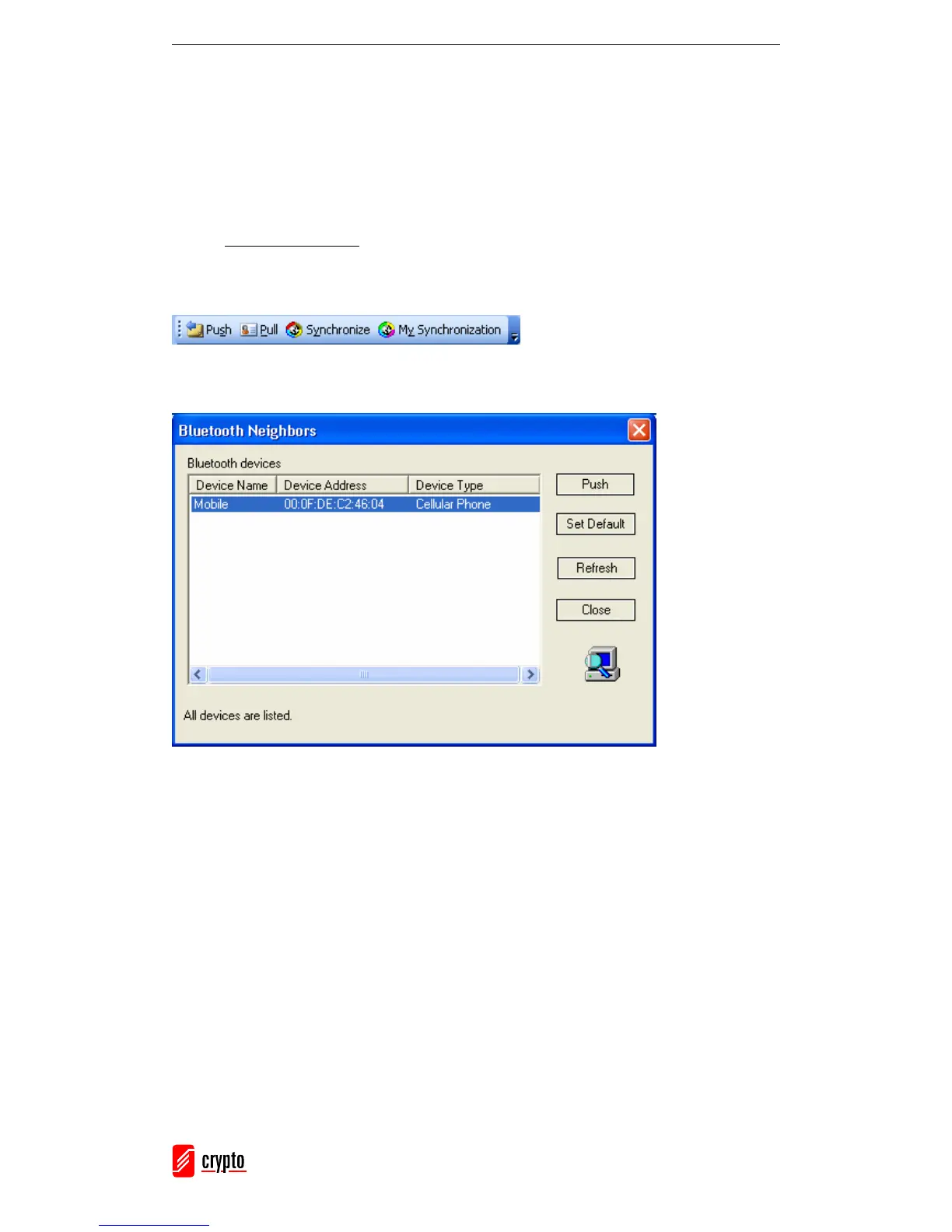
In Outlook, click on the Push button on the toolbar (or go to File → Push)
The Bluetooth Neighbors screen will appear. In the device list, select the remote device
that you want to send the contact to and click Push.



 To Next Page