ΒΤ 100 USB Bluetooth Dongle Manual
________________________________________________________________________
8
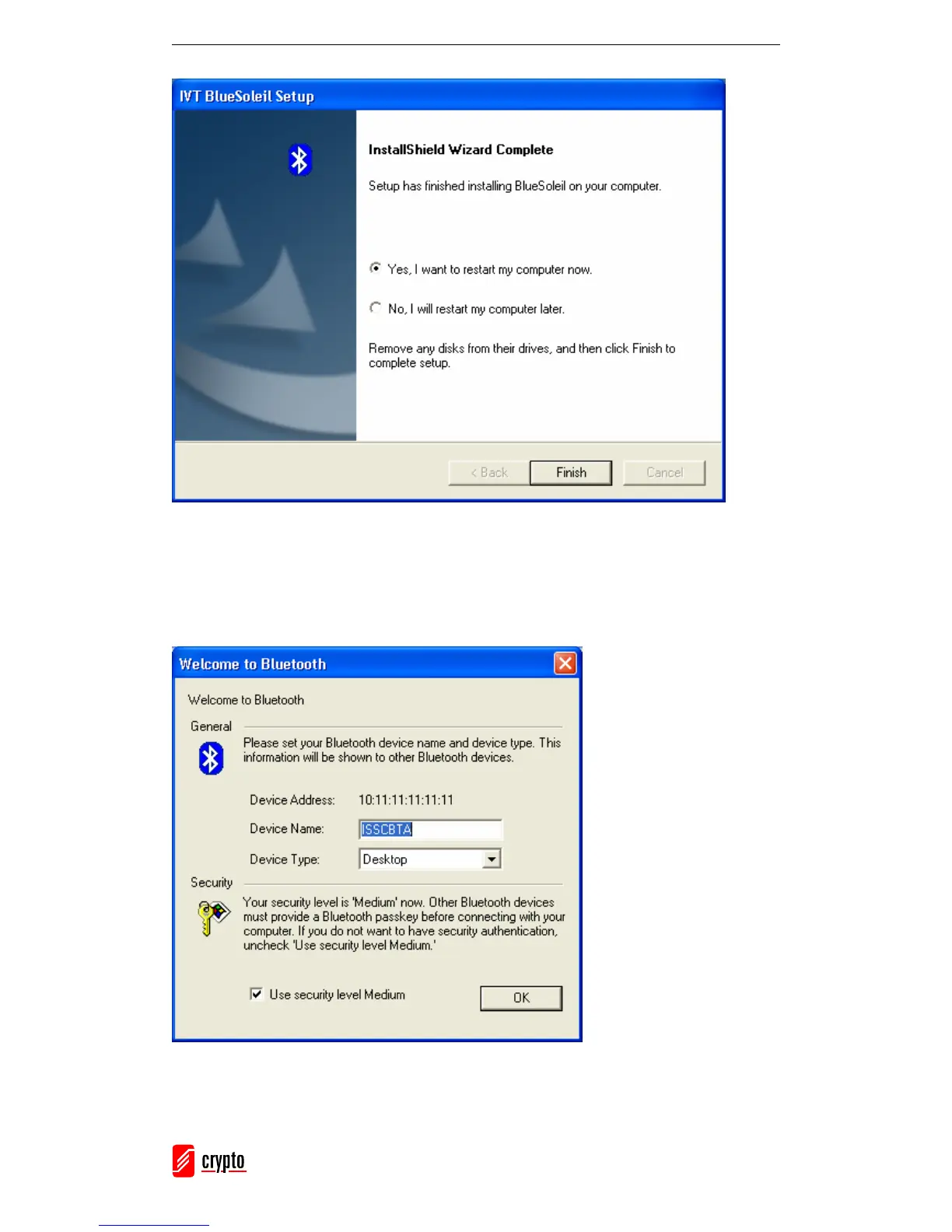
Select if you want to restart your computer now or later and click Finish.
Once you restart your computer, BlueSoleil will open and the Welcome to Bluetooth
screen will appear:
Device Name: Insert a name
for your device that will be
shown to other Bluetooth
enabled devices.
Device Type: Select the type
of your device (Desktop,
Laptop or Server).
Select which security level
you want.
Click OK.



 To Next Page