CANedge2 Docs, Release FW 01.04.02
(continued from previous page)
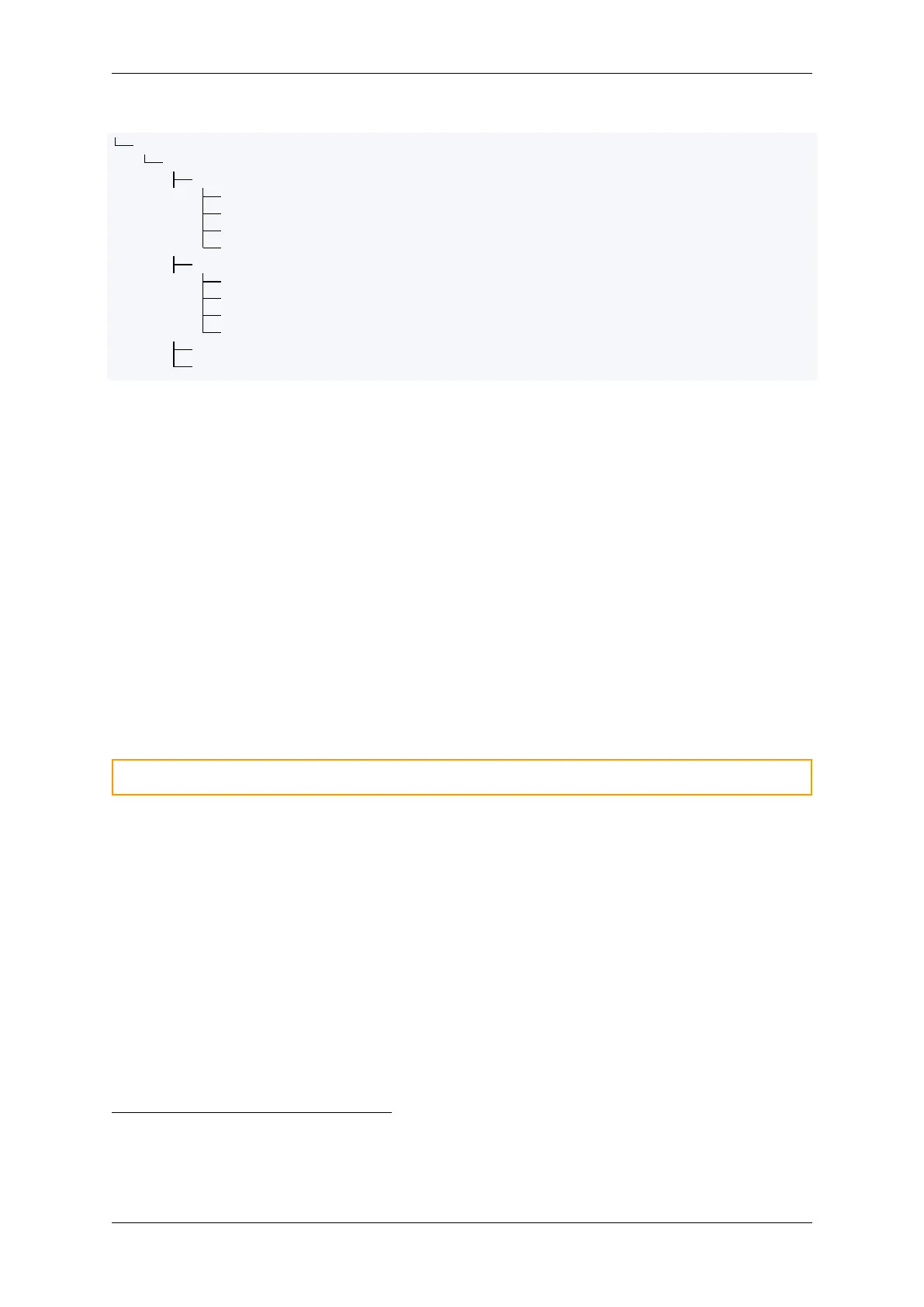
LOG/
[DEVICE_ID]
00000001
00000001.MF4
00000002.MF4
...
...
00000002
00000001.MF4
00000002.MF4
...
...
...
...
• config-XX.XX.json: Configuration File (device configuration)
• schema-XX.XX.json: Rule Schema (configuration rules)
• device.json: Device File (device information)
• LOG/: Path for log files
For more information on the specific files, refer to the documentation menu.
Log files
Log files are stored in LOG/[DEVICE_ID]/[SESSION_NUMBER]/[SPLIT_NUMBER].[FILE_EXTENSION]. For
more information on the structure of the log files, refer to the log file section.
0.3.4.2 Type
The CANedge uses a specifically selected industrial graded SD-card with special timing constraints to
ensure safe shutdown when power is lost.
Warning: The device cannot be guaranteed to work if the pre-installed SD-card is replaced
Exchanging SD cards between devices
The SD card is not “locked” to the device. If the card is replaced, be aware of the following points:
• Critical device specific data are not stored on the SD card (e.g. device ID)
• Non-critical meta data are stored on the SD card (e.g. log file session number)
• If the card is replaced by a card from another device, it is recommended to clear the card first
• It may be necessary to update the configuration file if it contains device specific settings
0.3.4.3 Lifetime
The SD-card memory wears as any other flash based memory. The industrial graded SD-cards provided
with the CANedge have the following guaranteed minimum endurance numbers
1
:
1
TBW: Terabytes Written
0.3. Hardware 11



 To Next Page