Trouble Shooting Guide 17
Test: Disconnect the battery and try charging again.
Explanation 2: The battery cannot retain the charge given.
Test: The battery needs replacing.
• The error LED is lit
Explanation 1: Reverse polarity.
Test: Make sure that the + cable/clamp is connected to the + terminal and the
– cable/clamp is connected to the – terminal.
Explanation 2: Loads are connected to the battery which requires more power
than the charger can provide.
Test: Turn off or disconnect the loads when charging.
Explanation 3: The clamps are short circuited in Supply mode.
Test: Separate the clamps.
• Temperature LED is lit
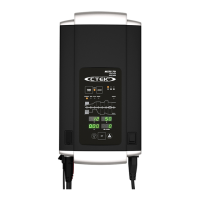
Please note that the function of temperature sensor has changed for
M200 and M300. The charger will indicate differently depending on when
it was purchased.
Explanation M200 and M300 purchased before 2011: DC interruption or
short circuit in the cable.
Explanation M200 and M300 purchased from 2012 and later: This is normal,
the LED is on indicating that the temperature sensor is activated. If the LED is
turned off here is a DC interruption or short circuit in the cable.
• Temperature LED is flashing
Explanation M200 and M300 purchased from 2012 and later: The
temperature is above + 65 °C. The charging is interrupted. Press the MODE
button to restart charging when the temperature has dropped below + 65 °C.



 To Next Page