Powering on your Chromebox
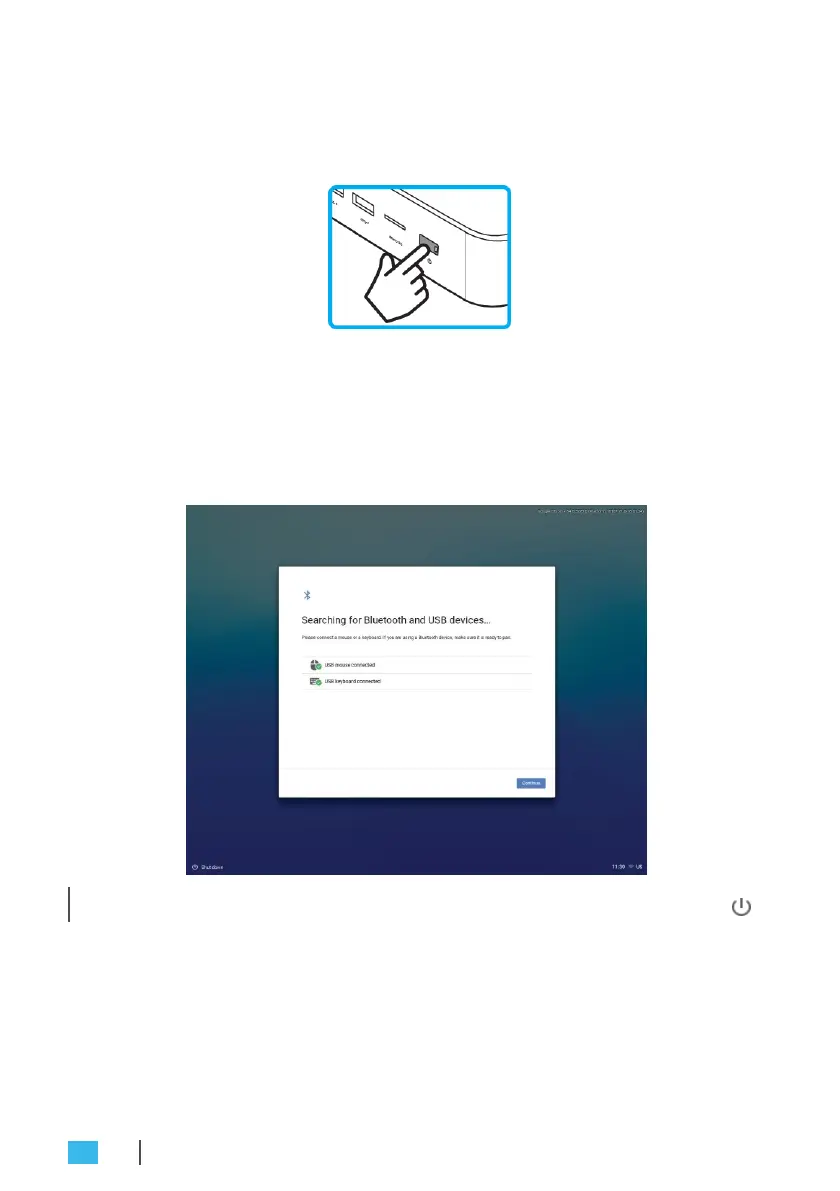
To power on your Chromebox, press the
Power
button on the front
panel. The
Power
button LED lights solid white.
After you power on the Chromebox for the first time, you are asked
to configure some device’s basic settings, such as set the language,
configure accessibility options, connect to the network, and finally
sign in to your Chromebox. Follow the on-screen instructions to
complete the initial setup.
»
N
OT
E:
T
o sh
ut
down Chromebo
x,
pr
ess
the
Po
w
e
r
butt
on and
then
click
Po
w
er
o
ff
.
Resetting the Chromebox
To reset the Chromebox, insert a pointed tool into the reset hole on
the side of the device.
22
GETTING STARTED


 To Next Page