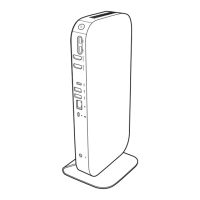
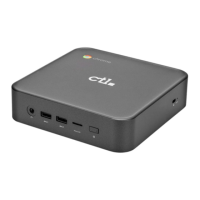
Configuring Chromebox settings
1.
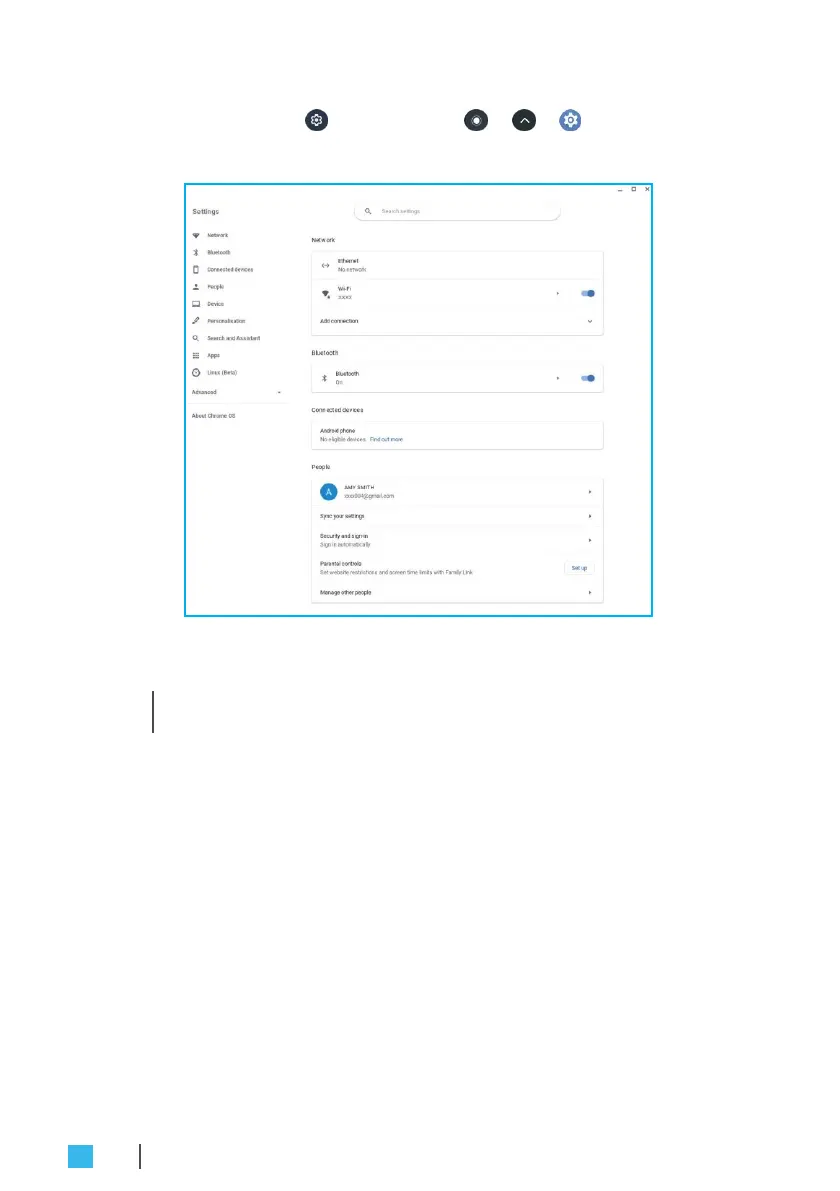
Click Status tray >
or Launcher
> > to open Settings
page.
2.
Configure any of the following:
•
Network
>
Ethernet
: LAN connection parameters.
»
N
OT
E:
Mak
e
sur
e
your
Chromebox
is
connec
t
ed
t
o
the
L
AN.
Refer
t
o page
16
.
•
Network > Wi-Fi: Connect to a wireless access point.
•
Bluetooth
>
Bluetooth
: Enable or disable Bluetooth function
and pair with compatible devices.
•
Connected devices
: List of connected devices.
•
People > Your account: Manage your account.
•
People > Sync your settings: Manage sync settings.
•
People > Security and sign-infor: Enable or disable to show
lock screen when waking up from sleep mode and set lock
screen password.
•
People > Parental controls: Set website restrictions and
screen time limits with Family Link.
•
People > Manage other people: Manage other Chromebox
user accounts.
26
OPERATING THE CHROMEBOX


 To Next Page