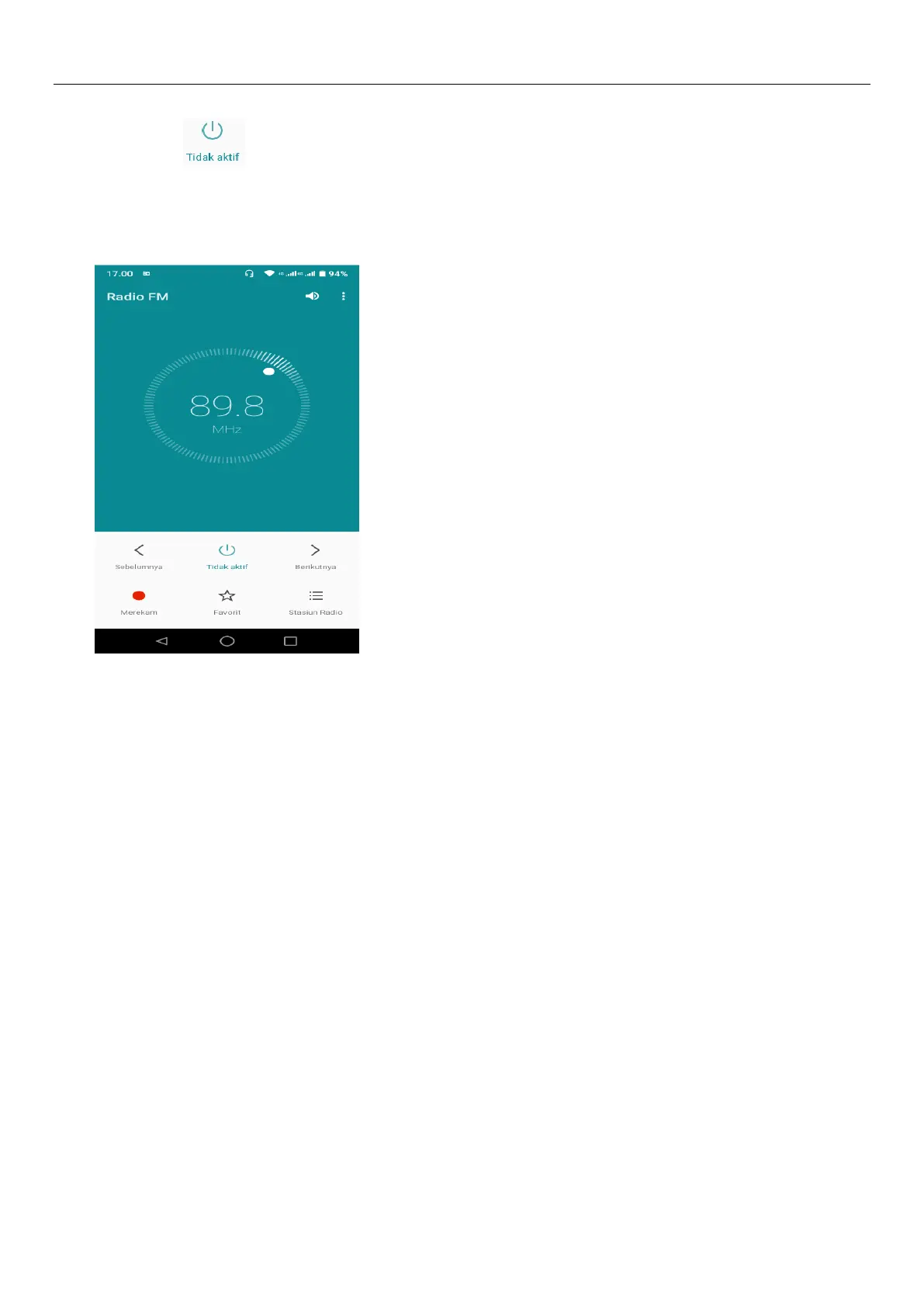
default file name can be arbitrary well-preserved input filename. Save to FM recording the default file.
3)Click " " closed FM radio, cannot listen to in the background.
4)Must be insert cable headTablets as antenna, but click on the horn button, can put the FM radio.
5)Click on the frequency of the rear of the five-pointed star icon, channel was added to the collection
channel list.
Listen to FM radio background
Click to return to key, the radio program moved to the background, right now you can still continue to
listen to the show, and can also carry out any other program.
11.Gmail
Create an electronic mail account
Open the Gmail, You can activate or edit existing e-mail accounts as well as create a new e-mail
account.
Select mail, Google account setting interface appears. Then touch ‘ next step ’ > create
account>enter name,last name and e-mail account.
Google servers determine whether the name can be used, if so, new interface appears prompting
enter password, thenjudge the password’ security, users who doesn’t meet the requirements need to re-enter
the password.
Successfully register a new Gmail account, a messenger created automatically for testing.
2) Loading mail account


 To Next Page