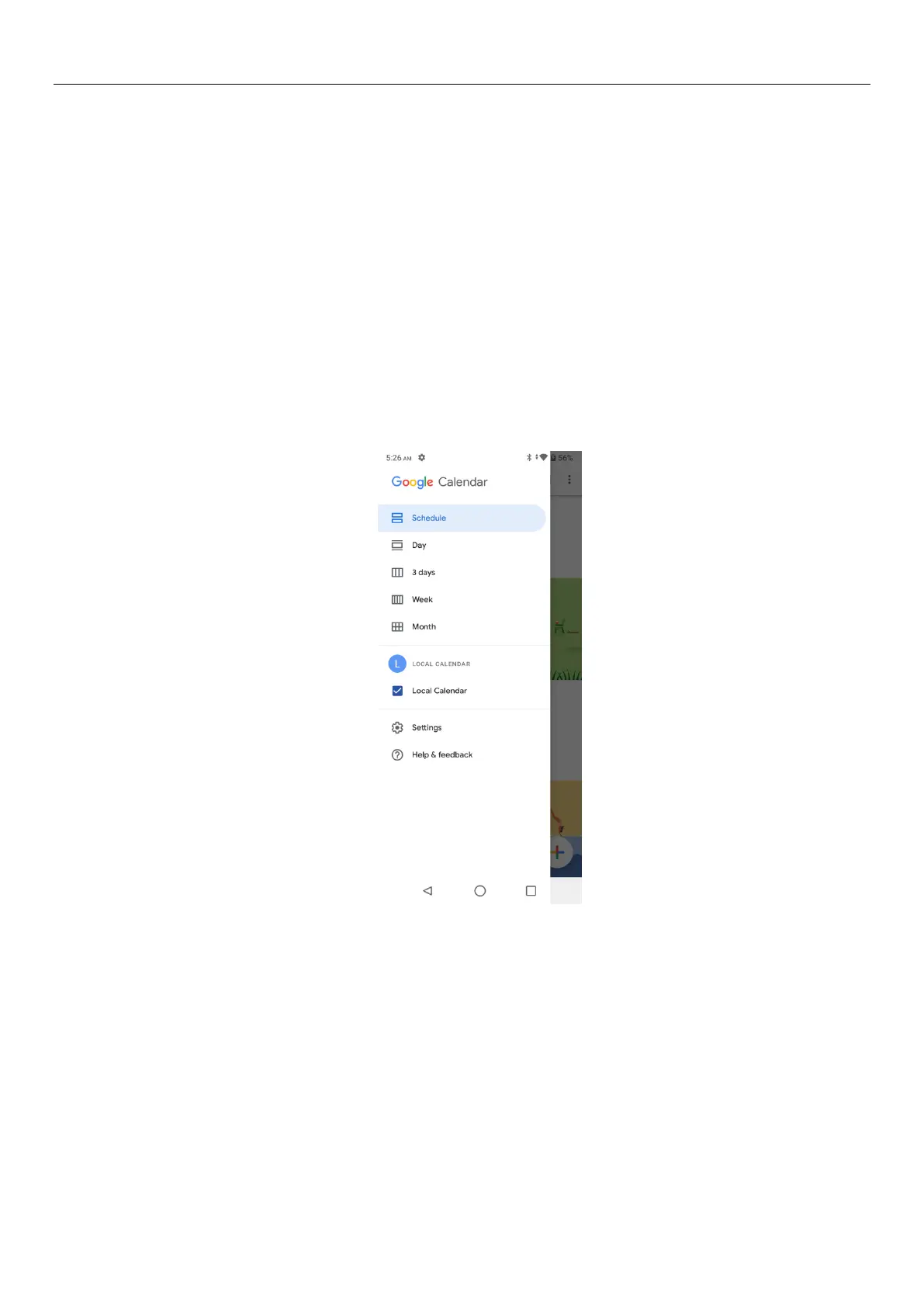
3) On the interface display and month schedule (date) recently click slide left and right can flip on a
monthly basis.
4) Schedule interface shows the schedule for a certain time space (click can see forward initial time
point, click can see back end time point).
5)click the search menu, enter the schedule name in the search box and you will be able to search for
the set schedule.
6)
• New event
1) Click the menu button > new event.
2) In the event details box, Enter the name.
Note: if special occasions, such as birthday or a whole day's activity, set the options as throughout the
day. Such as activity is in a certain period of time, select the start time and end time.
3) Enter the activity location, note, invited people, repeat, remind of time.
4) Click on to complete the return to the calendar.
Note: all the title of the event is displayed in the calendar. There will be no calendar time period show.
7.Camera
11.1 Camera
Prior preparation
Install memory card before using the camera or video camera. All your photos or videos taken by the
Tablet are stored in memory card.
Open camera


 To Next Page