During the call, close the Tablet to the ear, the backlight will turn off automatically,which could save
batteries and prevent inadvertently touching.
Two-way call/multiparty call(conference call)
Notices:This function needs that SIM card open multiparty call features.
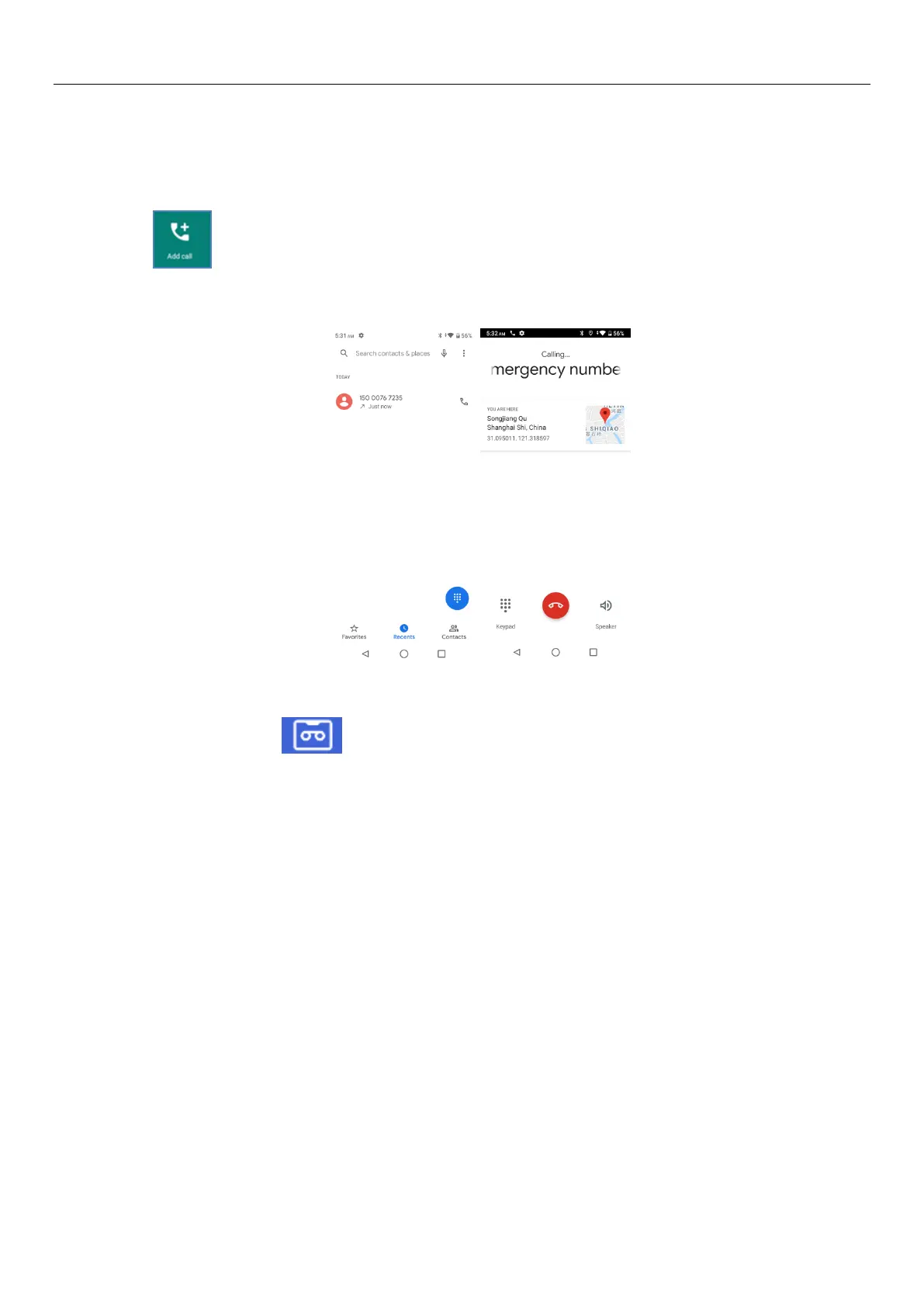
Click“ ”, dial another call(or receive another call,Tablet default open “call waiting”,after
both connected,could view the status of calling.
TeleTablet recording
During the call,Click“ ”, you could record the dialog of the call.
Call settings
1) Display options:Can set contact sort and name format
2) Sounds and vibration:Can setTablet ringtone and vibration
3) Quick responses: Can edit the text messages rejected by the information when content
4) Calling accounts: Can set FDN ,Call forwarding, Call barring and Additional Settings
5) Call blocking: Can add the number of contacts you don't want to receive by Tablet or text message
6) Voicemail: Can set voicemail number and voicemail notifications
7) Accessibility: Can set TTY mode
8) About: Can view build version and others.
14.Phots
Open phots,
You need to enter the camera to take a picture or video first, or you can choose to log in to your Google
account


 To Next Page