4
Package Content
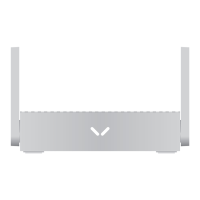
1 x 4G LTE Router
1 x Power Adapter
1 x Quick Installation Guide
1 x Ethernet Cable
1 x SIM Adapter
Quick Installation
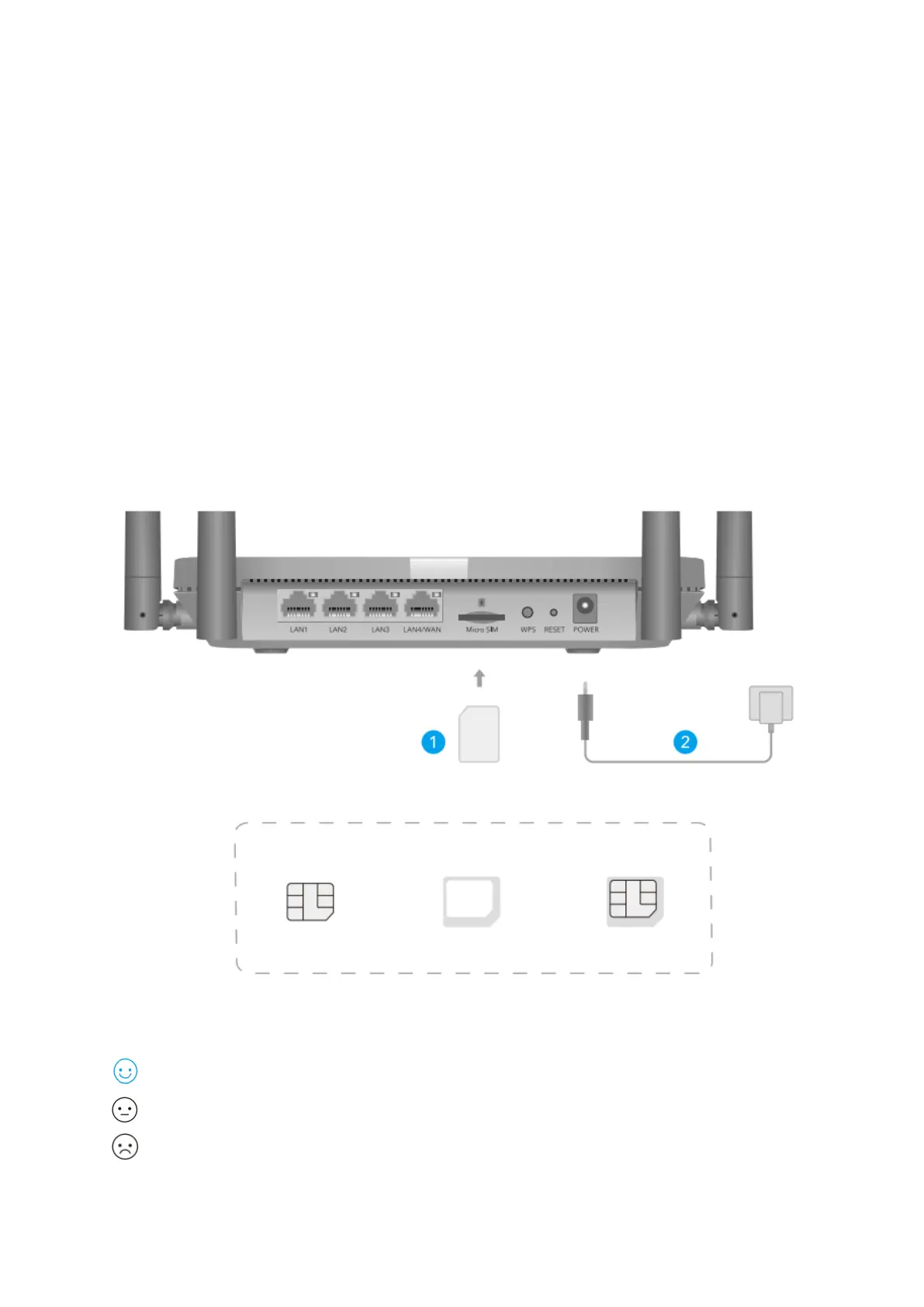
1. Insert the Micro SIM card into the slot until you hear a click
2. Connect power adapter and turn on the router. Waiting for 1 minutes for it to start.
3. Check the status of the system LED.
If the system LED turns to solid blue, means connect to 4G network successfully.
If the system LED turns to solid purple, means connect to 2/3G network.
If the system LED turns to solid red, please follow the instructions of Customize the
4G Router.



 To Next Page