JetScan
™
STOPPING CONDITIONS & RECOVERY
19
JetScan
™
18
STOPPING CONDITIONS & RECOVERY
DISPLAY
Inspect the top note in the bottom stacker. Next there are two options:
• If it is identified as a counterfeit, place it aside and press Cont. It will
not be par
t of the count.
• If the note is determined to be good, return it to the bottom stacker
and press the appropriate denomination value key. JetScan will
re-star
t, and this note will be added to the count.
JetScan sensors have detected a possible counterfeit note. JetScan has stopped with this note
as the top note in the bottom stacker. This note has not been included in the count.
➧
ONLY ON MODEL 4069:
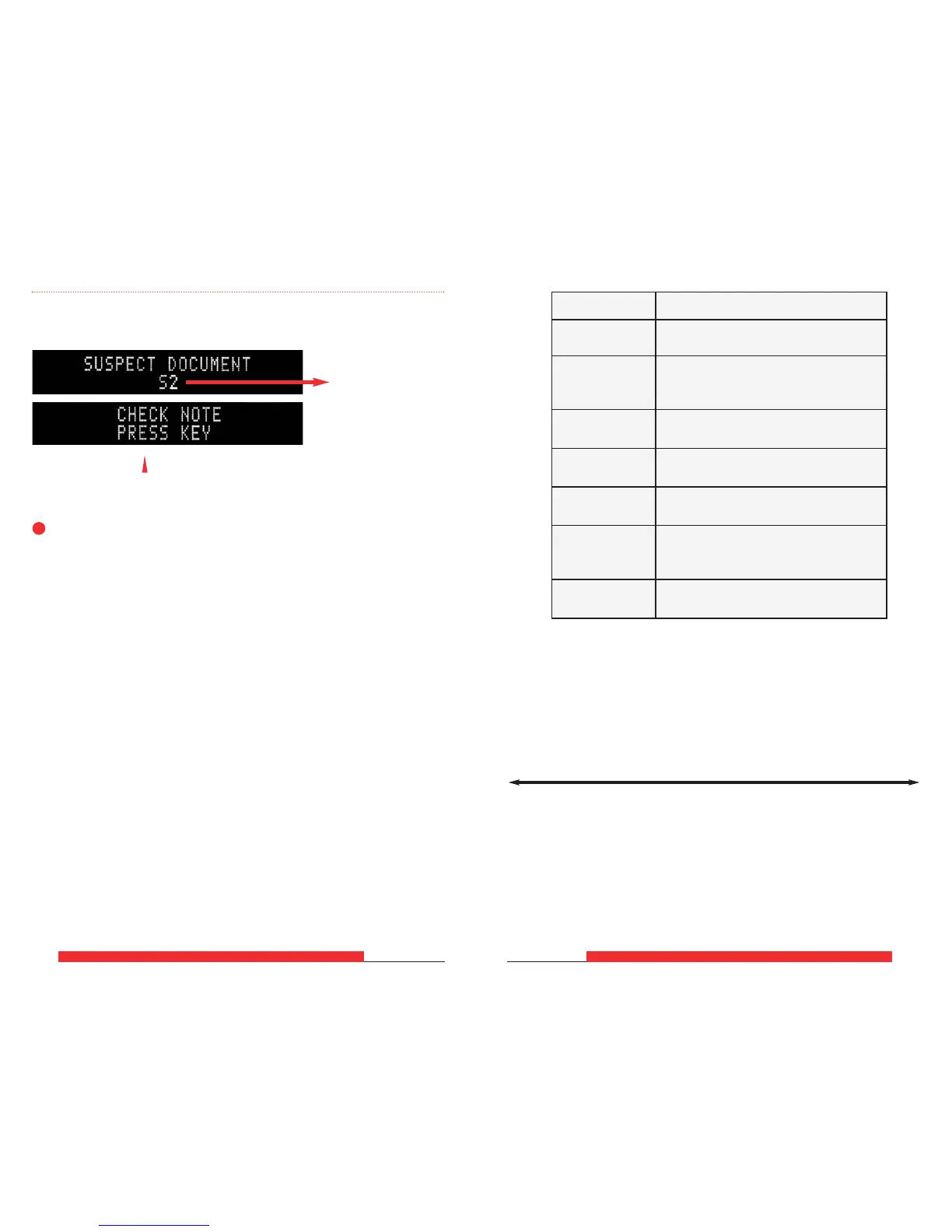
These two screens will sequentially flash:
This line could show
different suspect
document (SD) codes.
For details, refer to
the SD code chart
at right.
S1 S2 S3 S5 S8 S10 S11
Lower probability of a
super note, but commonly
identifies poor-quality
counterfeit notes
Higher probability
of a super note
SD Code Possible Causes
S1
• Incorrect-currency paper
•
Soiled note
• Incorrect-currency paper
S2 • Machine-washed note
•
Taped note
S3
• Incorrect-currency paper
•
Soiled note
S5
• Incorrect-ink error
•
Worn note
S8*
• Note failed advanced counter
feit test
• Worn note
• Incorrect-ink error
S10* • Genuine AK Series $100
•
Worn note
S11*
• Incorrect-ink error
•
Worn note
* These error codes are most common among super notes, which are
high-quality counterfeits.
Notes producing these codes should be carefully examined.



 To Next Page