EasyManua.ls Logo

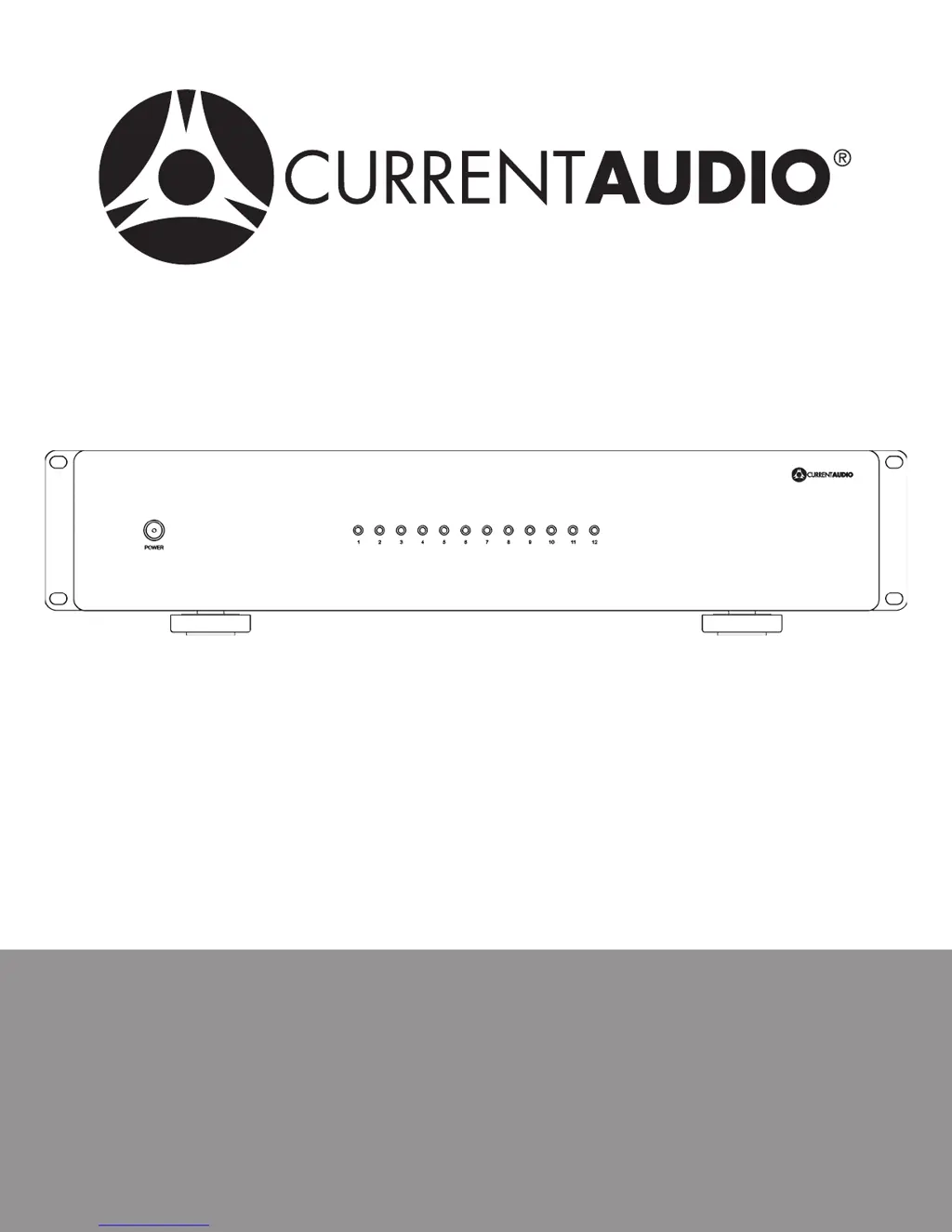
Current Audio AMP-1270 - User Manual

Current Audio AMP-1270
16 pages
Print Icon
To Next Page IconTo Next Page
Loading...
AMP-1270
AMP-870
Instruction Manual

Questions and Answers

  • H
    Heather GarzaSep 15, 2025
    What to do if my Current Audio Amplifier has no audio from speakers?
    • L
      Lauren FlynnSep 15, 2025
      If your Current Audio Amplifier is not producing any audio from the speakers, check the speaker wiring at both the amplifier and the speakers to ensure a proper connection.
  • S
    Summer MillerNov 25, 2025
    How to fix no audio from one channel or one zone only on Current Audio AMP-1270 Amplifier?
    • W
      William SandersNov 25, 2025
      If you're experiencing a lack of audio from only one channel or zone on your Current Audio Amplifier: * Check the front LED above the zone. If it's RED, there might be a short or a bad speaker. Measure the ohms of the wire with the speaker unplugged; it should read about 6.5 ohms for an 8-ohm speaker. Correct the issue by replacing the wire and/or speaker. If you're using a manual volume control, inspect the connections and plug locations. Try switching the speaker plug with a zone that is working. * Make sure that the rear zone level adjustment is not turned down. Increase the level clockwise until you reach an adequate level. * Check the audio cable connections and replace the cable to see if that fixes the problem. Also, make sure that the cable is connected to the proper inputs....

Summary

Safety Instructions

Product Information

Supplied Accessories

Lists the equipment and accessories included with the amplifier.

Amplifier Specifications

Details technical performance metrics like power output, frequency response, and dimensions.

Glossary of Audio Terms

Defines key audio terminology used in the manual for better understanding.

Features

Amplifier Features Overview

Details key functionalities such as dual power modes, protection circuits, and gain adjustments.

INSTALLATION

Getting Started and Amplifier Placement

Provides initial setup guidance and crucial recommendations for optimal amplifier placement and ventilation.

Making Connections

Guides users through connecting speakers and other audio sources to the amplifier.

Setup Selections

Covers input selection, global vs. line-in, and configuring bridging options for each zone.

Power ON Setup Choices

Details the three available methods for energizing the amplifier unit: Constant ON, Music Sense, DC Trigger.

Multi-Room (Zone) Hookup

Illustrates how to connect the amplifier for multi-room audio distribution using diagrams.

Troubleshooting

Common Audio Issues and Solutions

Addresses common problems like no sound or hum, providing likely causes and solutions.

Trigger and Speaker Connection Issues

Solves problems related to the 12V trigger not working and improper speaker connections.

Considerations and Warranty

Usage Considerations and Tips

Offers advice on global level settings, volume control, adding zones, and bridging for optimal performance.

Surge Protection and Warranty Information

Details surge protection recommendations and the product's limited one-year warranty terms.

Current Audio AMP-1270 Specifications

General IconGeneral
BrandCurrent Audio
ModelAMP-1270
CategoryAmplifier
LanguageEnglish

Related product manuals