Press [▲] or [▼] control to adjust setting. You can set the timer to
“Continuous” mode by pressing the [▲] button when it shows 60
minutes. Its output will be shut off when time is up.
3) Set Interference frequency (optional)
Channel 1 has 4000 Hz fixed Fundamental frequency. Channel has
selectable frequency from 4001 to 4150Hz; Interference frequency
is adjustable form 1 Hz to 150 Hz. Only “P4” has this parameter
setting. Press [S] button cycle to enter this menu, and then press
the [▲] and [▼] button to adjusting the setting.
4) Set Cycle Timer
Cycle time is adjustable form 5 to 30 seconds. Press [S] button
cycle to enter this menu, and then press the [▲] and [▼] button to
adjusting the setting.
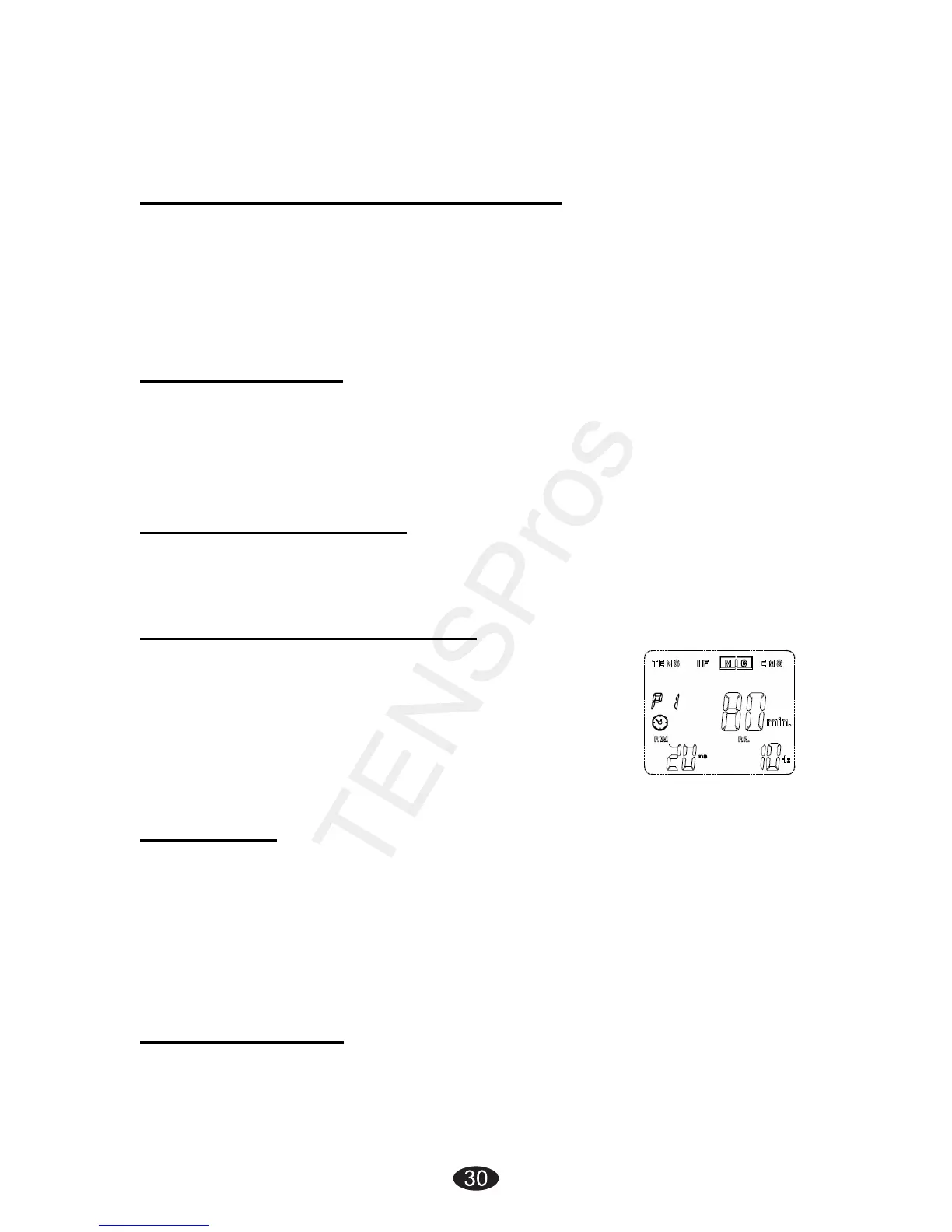
4.7.4 Microcurrent Setting
Press the [S] button cycle to enter the setting state. The settings
can be adjusted according to the following steps:
1) Set the Therapeutic Program
There are 3 programs in MIC therapeutic program
available: Constant, Pulse Width Modulation, and
Pulse Rate Modulation.
The therapeutic program can be selected by
pressing the [▲] and [▼] button. The mode you
selected will show up on the top of LCD Display.
2) Set Timer
Press [S] button cycle to enter this setting. The treatment time is
adjustable from 1 to 60 minutes or Continuous. Press [▲] or [▼]
button control to adjust setting. You can set the timer to
“Continuous” mode by pressing the [▲] control when it shows 60
minutes. Its output will be shut off when time is up.
3) Set Pulse Width
Pulse Width is adjustable from 2m
s to 200ms. Press [S] button cycle
to enter this menu, then press [▲] or [▼]button to adjust the setting.


 To Next Page