1 2
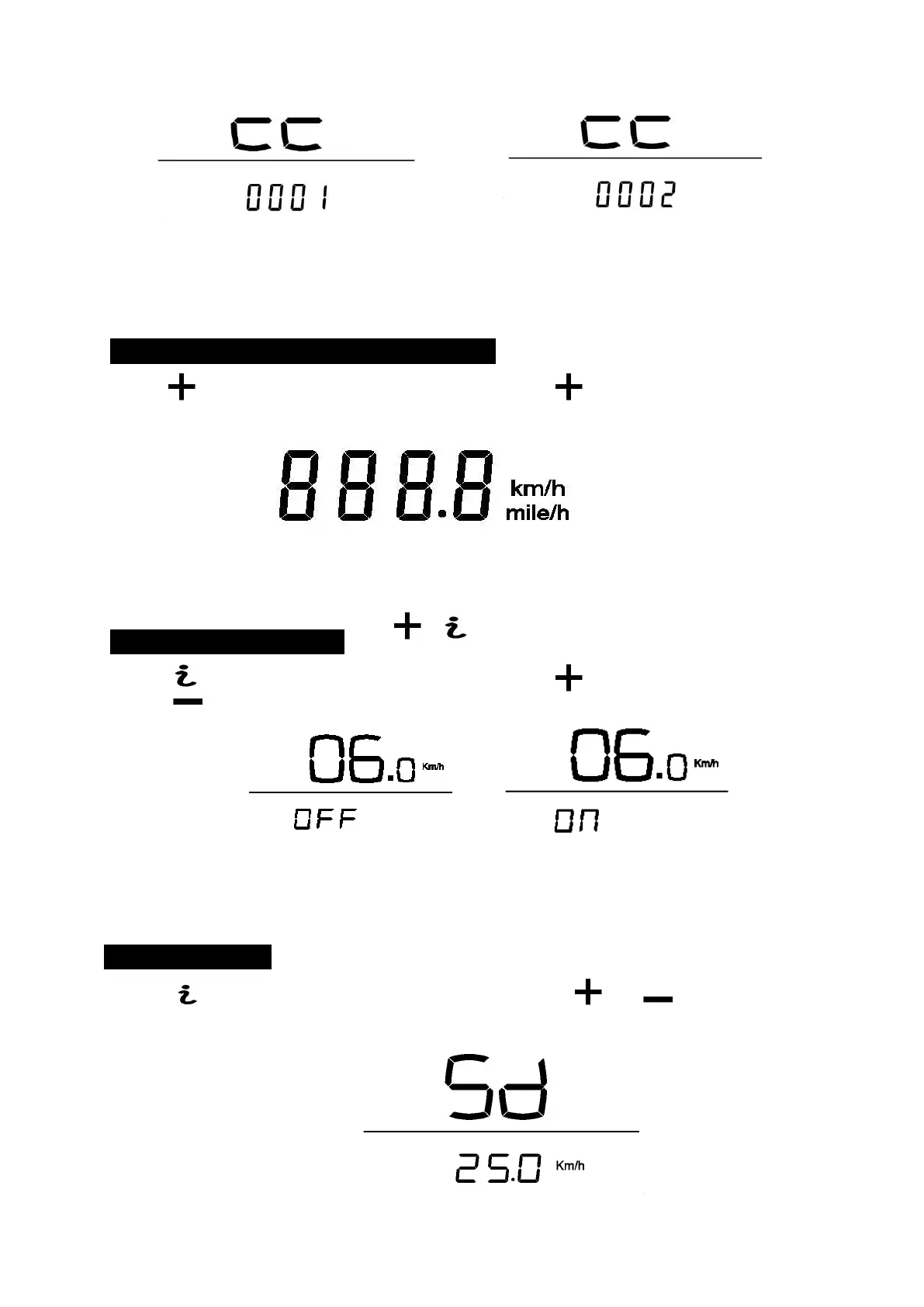
Magnetic steel number selection
Imperial / metric selection(km/h / MPH)
Use the button to enter the speed units interface, press button to switch between km/h and
mil/h. Default is Km/h.
Speed units interface
6 6km/h – walking mode
Use the button to enter the 6/Km/h walking mode, press buttons to switch ON/OFF. Default is
OFF. Press button for 3s to start the motor running to assist your walking.
6/Km/h function selection
SD: Speed Limit
Use the button to enter the speed limit selection, press or buttons to adjust. The
default is 25KPH.



 To Next Page