SETUP
31
SETUP REPORT
Rapporto di Setup
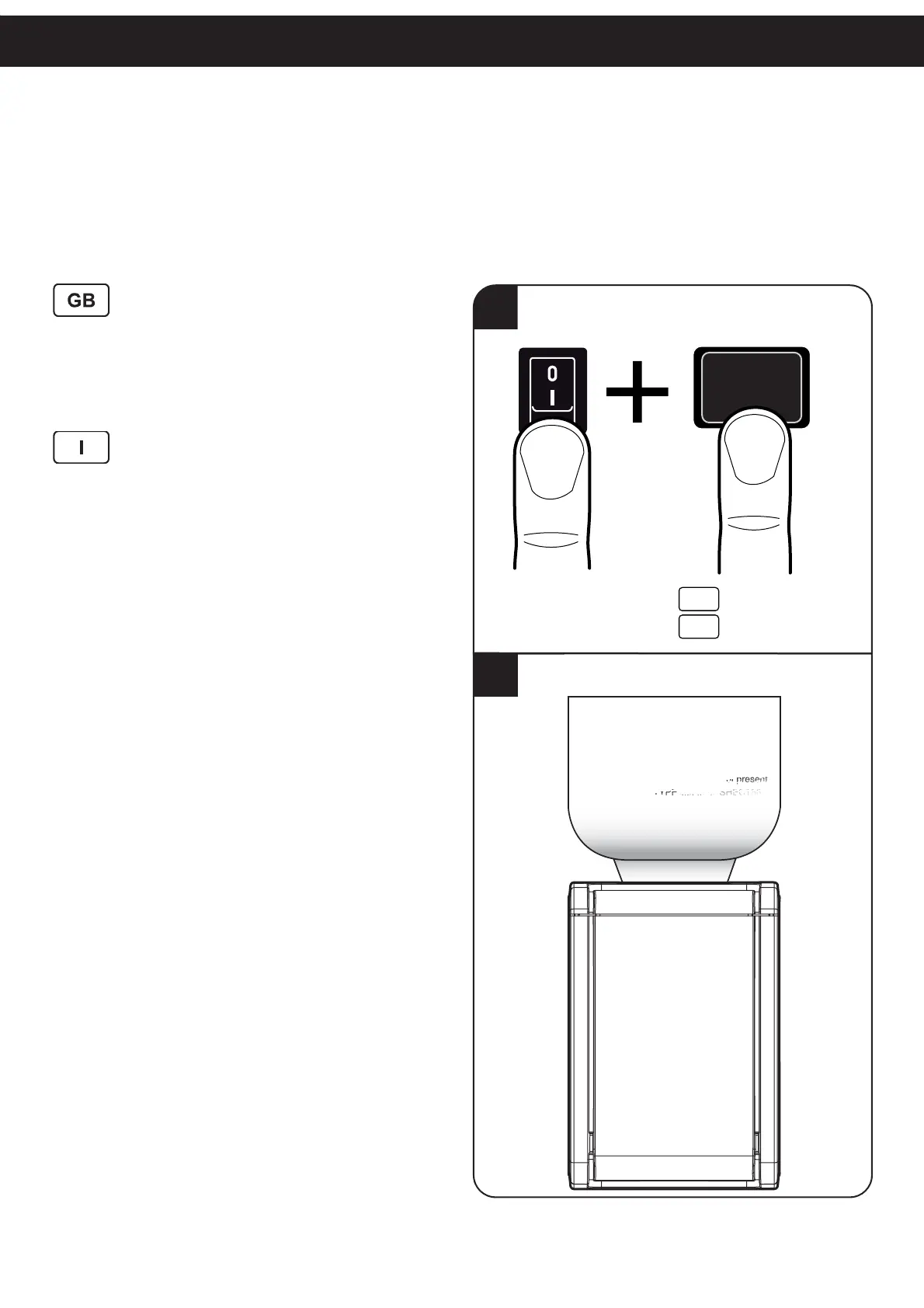
1. Go into SETUP mode by pressing the LF LINE FEED
key during printing power up.
2. The printer prints the report with parameters for printer
settings.
1. Entrare nella modalità di SETUP tenendo premuto il
tasto LF LINE FEED durante la fase di accensione
della stampante
2. La stampante stampa la lista dei parametri per la con-
fi gurazione della stampante.
2
1
ON
Hold down
Mantenere premuto
GB
I
LF
PRINTER
ET
P
PRINTER TYPE ........................... KPM150-H
Barcode Reader...........................Not present
RFID Module .............................



 To Next Page