3.8 Communication Connection
Please use supplied communication cable to connect to inverter and PC. Insert bundled CD into a computer and follow
on-screen instruction to install the monitoring software. For the detailed software operation, please check user
manual of software inside of CD.
3.9 Dry Contact Signal
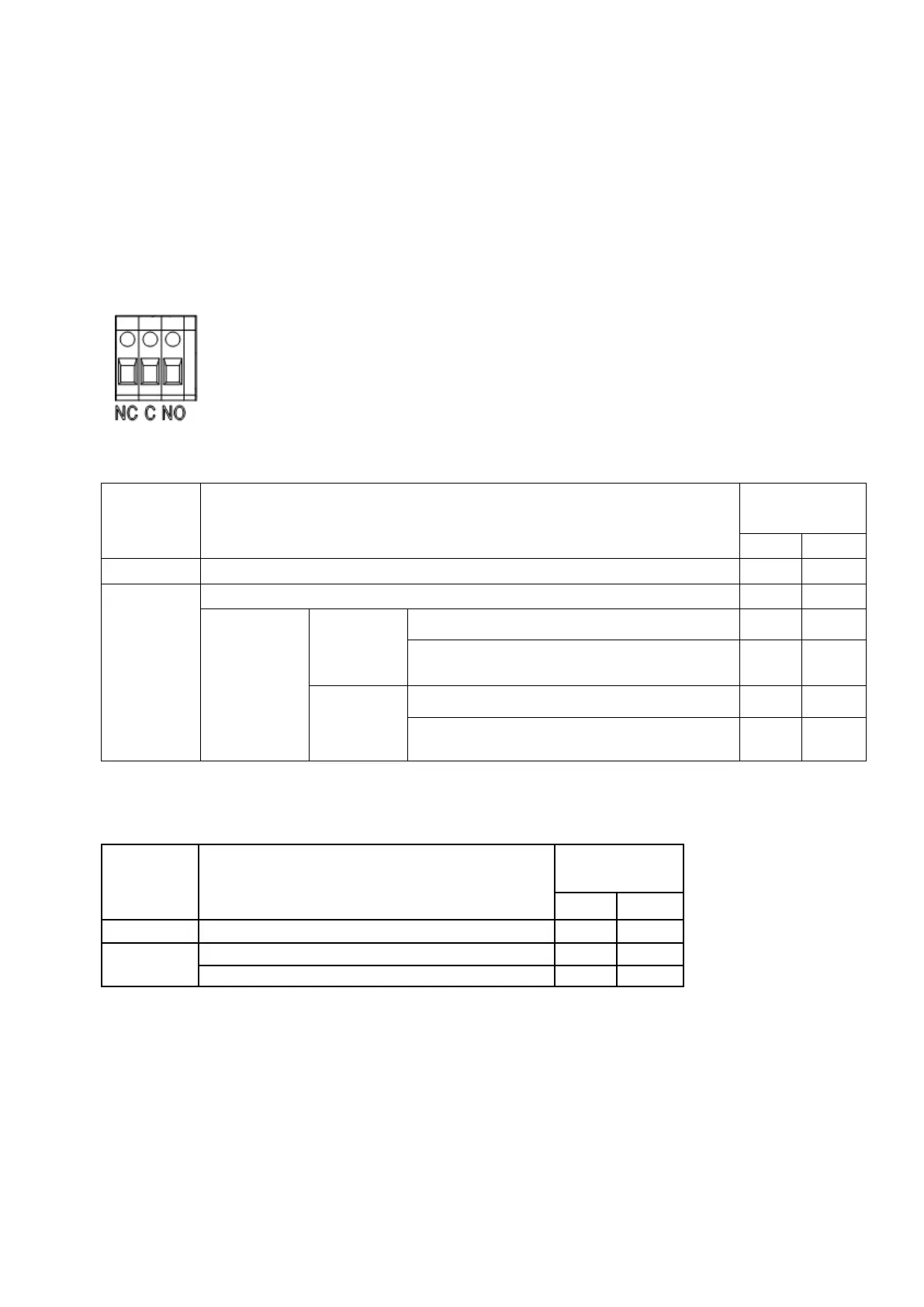
There is one dry contact available on the rear panel.
When program 24 is set as “disable” (default setting), it could be used to deliver signal to external device when battery
voltage reaches warning level.
Unit is off and no output is powered.
Output is powered from Utility.
Output is
powered from
Battery or Solar.
Program 01
set as Utility
Battery voltage < Low DC warning voltage
Battery voltage > Setting value in Program 13 or
battery charging reaches floating stage
Program 01 is
set as SBU or
Solar first
Battery voltage < Setting value in Program 12
Battery voltage > Setting value in Program 13 or
battery charging reaches floating stage
When program 24 is set as “enable” and the unit is working in battery mode, it could be used to trigger the grounding
box to connect neutral and grounding of AC output together.
Unit is off and no output is powered.
Unit works in standby mode, line mode or fault mode
Unit works in battery mode or power saving mode


 To Next Page