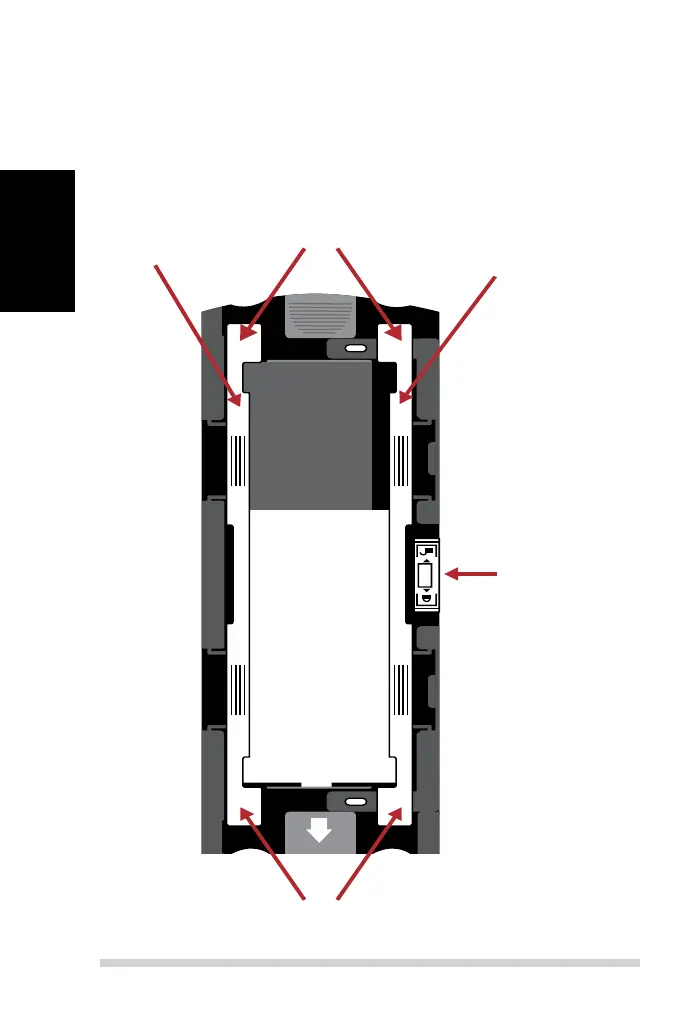
Loading 120 lm into the holder (continued)
1. As illustrated above, turn the holder with the embossed arrow
facing towards the left, so that the lock on the holder is at the bot-
tom.
2. Open the two magnetic lm holder guides on the sides of the holder
by pulling on the tabs of the guides upwards.
Tabs
Lock
Tabs
Opened
guide
Closed
guide
Upper Magnetic
Film Guide
Lower Magnetic
Film Guide
Unlockedlocked
ABC



 To Next Page