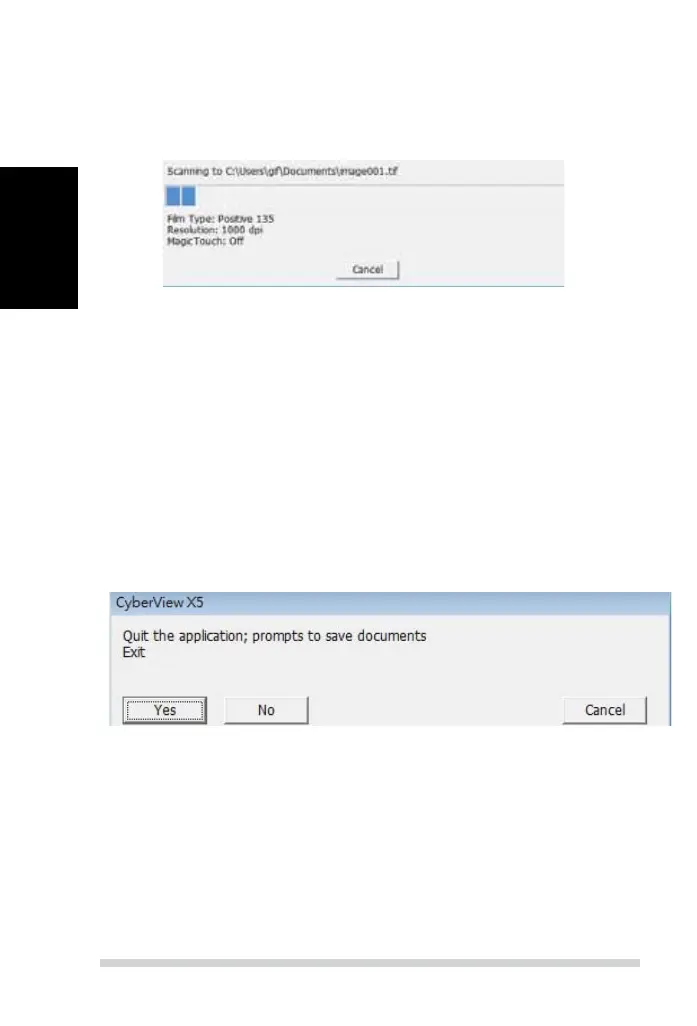
STEP 7 – Exit
Select “Scan > Exit” to close the driver. Scanned image les can be open/edited with
any image editing software.
NOTE:
If using the supplied image editor, for help with this application see the users Help from
within the application or browse the supplied DVD for the help documentation.
All scaned images will be saved to the directory location set previously,
the factory default locations are:
Windows: C:\Users\[YOUR NAME\Documents;
MAC: Mac HD\Users\[YOUR NAME]\Pictures\Cyberview Images),
This begins the scan to le process
Scan (Continued...)
24



 To Next Page