Joule 2.0 User Guide page 56
Deleting Sensors
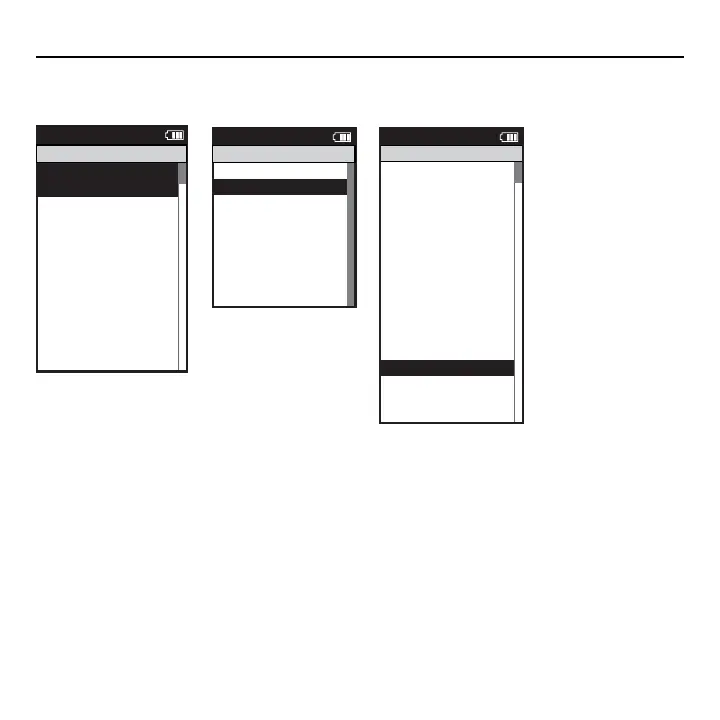
Sensors can be deleted at anytime. If the active sensor is deleted a new sensor must be activated
or added.
Activate Sensor
>
>
31864
>
Circumference (mm):
>
2096
>
Auto Zero <Y or N>:
>
Y
>
>
Cancel Pairing
>
Delete Sensor >
Manual Zero
>
Report
Main
Power1
Sensor ID:
Power1
Name:
>
Start Pairing
>
Power Sensor
>
Power1
Cadence Sensor
>
Speed Sensor
>
Speed1
>
Heart Rate Sens
>
HR1
>
RU Sensor
>
RU1
>
Y
>
Re-Pair Sensor
>
Delete Sensor
>
PT Data
>
Pair
>
Report
Main
Sensors
Cadence1
Select Sensor
>
Power1 >
Sensor ID
Add Power Meter
>
The Gun Show
>
Torque Offset
>
Torque Offset
>
Torque Offset
>
Pair New Sensor
>
Report
Main
Power Sensor
Start Pairing
Add IC Power
>
Back
<
Back
<
Back
<
Chapter 7: Setting Up CycleOps Joule 2.0
1. Press and release the [MODE] button until Main mode is displayed.
2. Press [JOYSTICK] in and release to select Sensors.
3. Press [JOYSTICK] up/down to select the sensor type to be deleted.
4. Press [JOYSTICK] up/down to highlight the sensor to be deleted.
5. Press [JOYSTICK] in and release to select the sensor to be deleted.
6. Press [JOYSTICK] up/down to highlight Delete Sensor.



 To Next Page