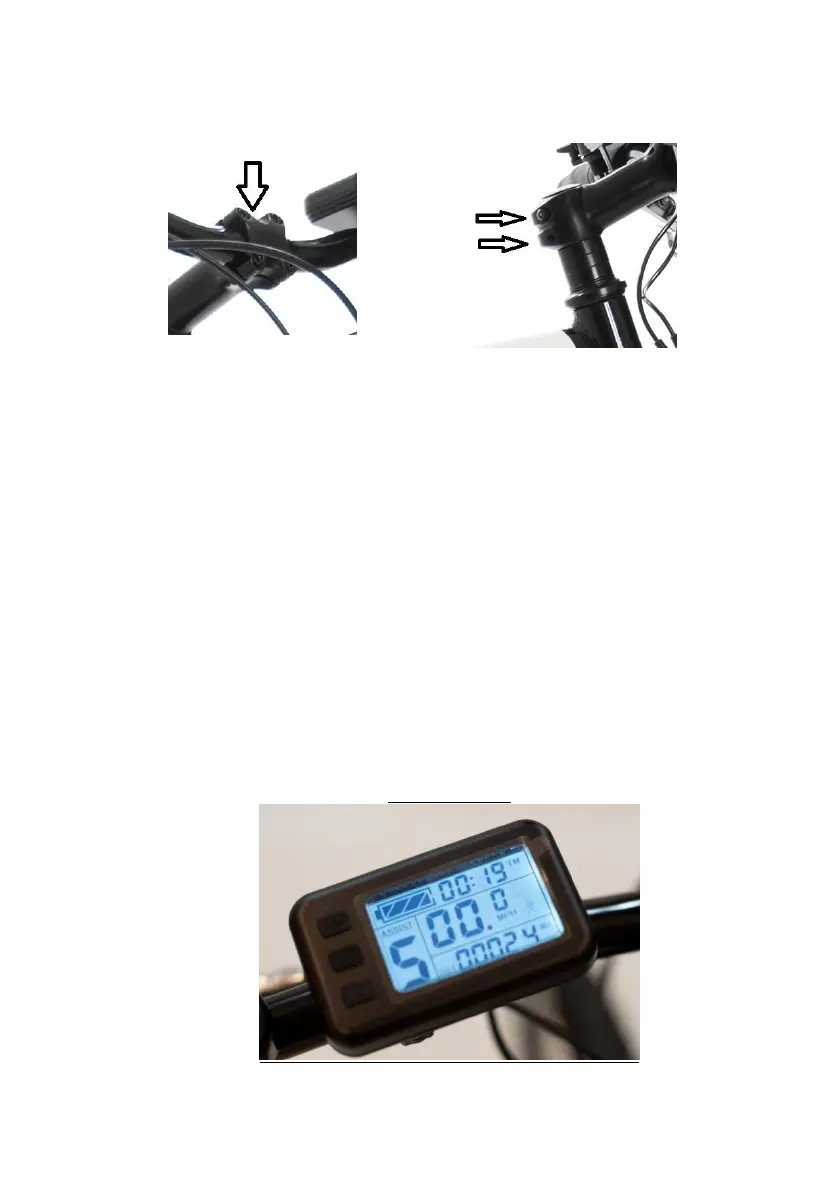
3- Check the handlebar is properly tightened once turned the
correct direction, to 5nm as above
images. The arrows show location of bolts 6 in total.
4- Check that there are no apparent loose/exposed
connections between the electrical parts and the
controller.
5- Check tyres are inflated and not damaged (recommended
PSI is around 40).
6- Make sure battery is fully charged. Page 5 section 2.
7- Ensure the handlebar dashboard is on. You will need to
have the battery switched on, then pressing the on/off
button on the handlebar dashboard for this to happen.
Remember to turn the handlebar dashboard off when
stopped or walking the bike.
LCD dashboard
4
Copyright December 1st Cyclotricity Ltd



 To Next Page