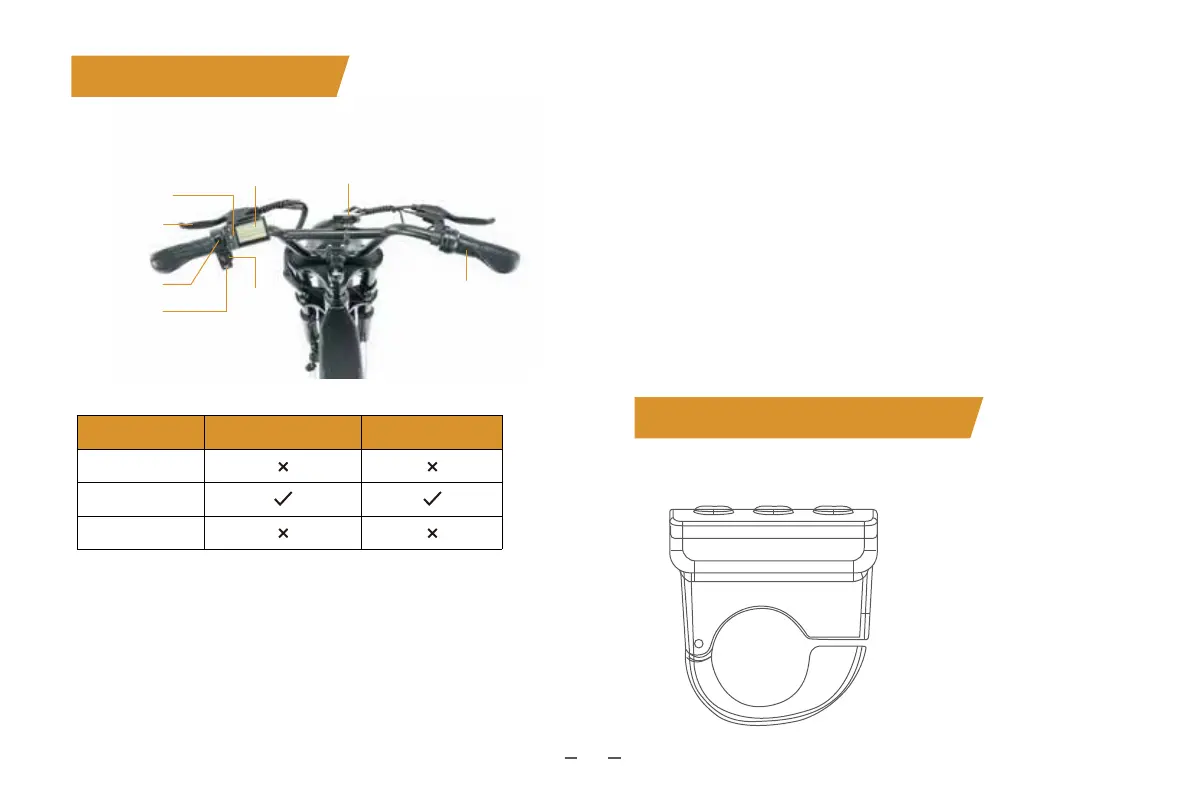
Brake Lever
Power Switch
Light Switch
Horn Switch
Display
Turn
Signal
Switch
Reflector
Twist throttle
5. Riding Modes
Full throttle
Turn on the e-bike and the smart display, and you can switch
the speed from 1 to 5 by pressing the thumb throttle.
PAS
Turn on the e-bike and the smart display, and you can pedal
the e-bike with 1-5 PAS level by pressing the + or - button.
Pedal
Turn off the e-bike and the smart display and you can pedal the
e-bike like a normal bike.
Speed Modes Full Throttle Pedal Assist
0
1-5
Display OFF
key is in the locked position.
electric bike.
levers.
the front and rear wheels.
6. Display and Buttons
09
Side view
I. Computer Display



 To Next Page