Getting started with the n-remote
Unpack the n-remote and check that the following items are included in
the accessory box.
n-remote•
Charging dock•
Charger•
Charging cable•
After removing these items, please retain the packaging.
Charging the remote control
The remote control must be fully charged for at least 2 hours before first
use.
Place the dock in a convenient and stable position.•
Connect the mini-USB cable from the Charger to the socket on the •
charging dock.
Fit a mains adaptor to the charger to match your power sockets.•
Connect the charger unit to the mains.•
Place the remote control on the dock.•
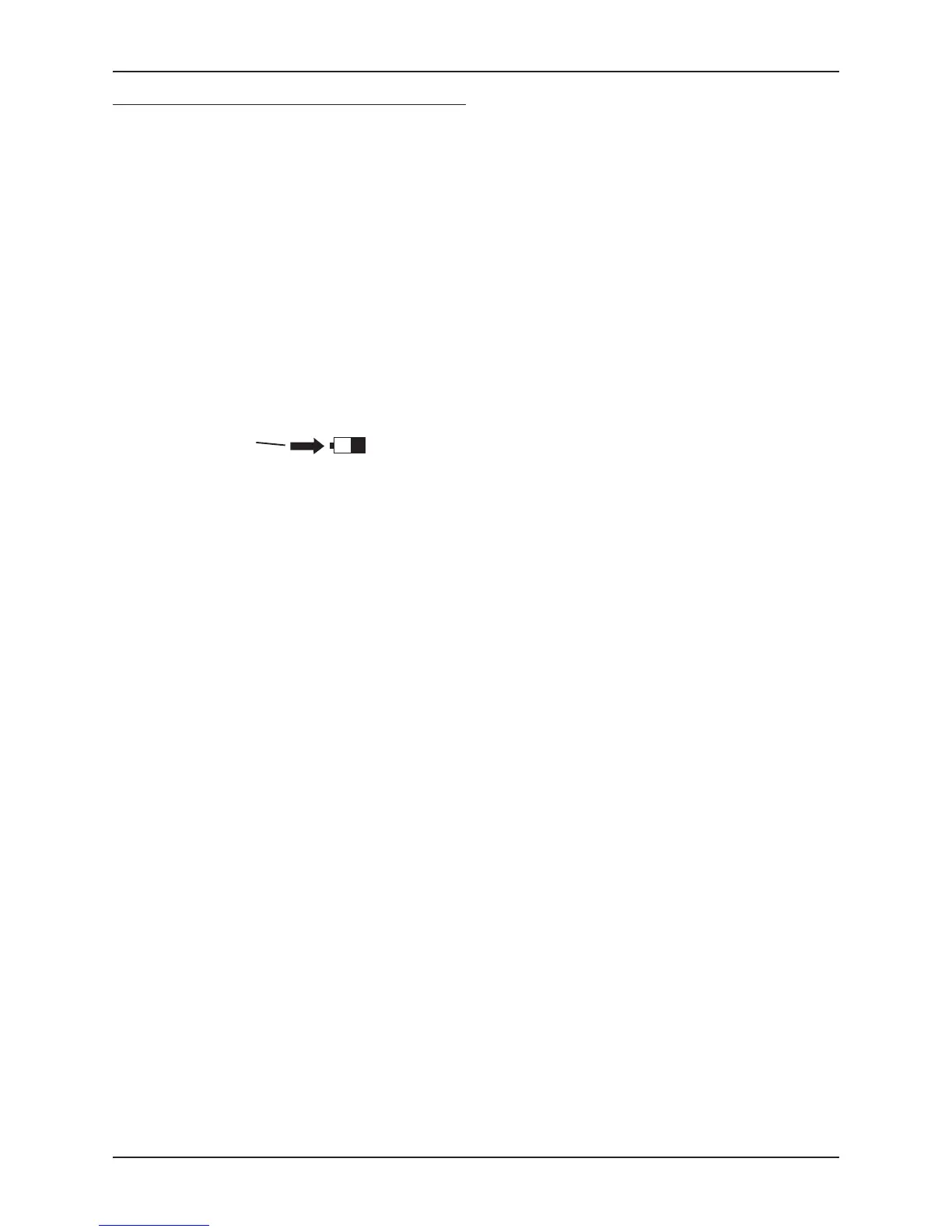
The battery level indicator on the display will show the current level and
the charge indicator (arrow) when charging.
Charge indicator
NOTE: The charger should only be connected to the mains when charging
the n-remote.
Charging from mini-USB
The n-remote may also be charged from the mini-USB cable connected
directly to the charger, or to a computer.
Connect the mini-USB plug directly to the USB socket on the bottom of
the remote control.


 To Next Page