Need help?
Do you have a question about the Czur Aura Series and is the answer not in the manual?
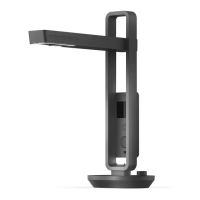
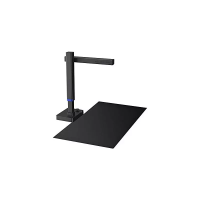
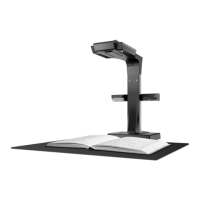
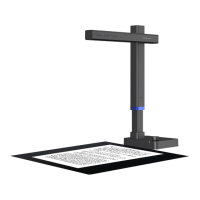
Overview of the Aura scanner and its capabilities as a smart table lamp, highlighting key features and applications.
Technical specifications and physical measurements of the Aura device, presented in millimeters.
Diagrams illustrating the Aura device's components with numbered labels for identification and explanation.
Detailed specifications for both the Table Lamp and Scanner functions, covering LED, luminous flux, and hardware.
List of items included in the product package, detailing the main device, accessories, and their quantities.
Instructions for using the Aura device as a table lamp, including startup, brightness control, and app integration.
Steps for preparing and operating the Aura device in scanner mode, including connection, software installation, and basic functions.
Common problems and solutions related to the Aura device's table lamp functionality, such as power and brightness.
Troubleshooting for scanner mode, covering power, software errors, serial number, and device recognition.
Details on warranty coverage, repair policies, non-warranty conditions, and product handling guidelines.
Information on how to contact CZUR for technical support, including email, website, and physical addresses.
 General
| Light Source | LED |
|---|---|
| Supported Formats | JPEG, PDF, TIFF, BMP, PNG |
| Connectivity | USB |
| Operating Systems | Windows, macOS |
| Image Sensor | CMOS |
| File Formats | PDF, JPG, TIFF |
| Compatibility | Windows, macOS |

 To Next Page