Need help?
Do you have a question about the Czur Lens and is the answer not in the manual?
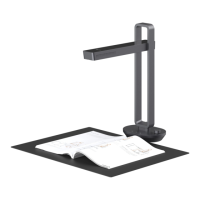
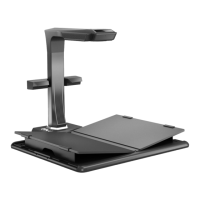
Introduces the CZUR Lens as a high-speed scanner with CMOS technology, OCR, and various applications.
Details the physical dimensions of the CZUR Lens scanner with unit measurements.
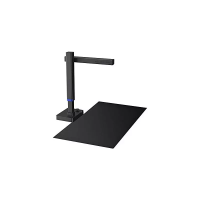
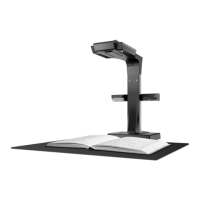
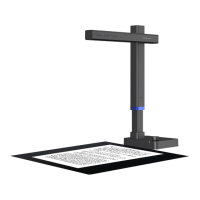
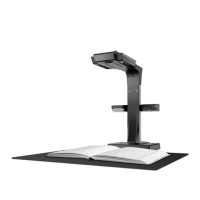
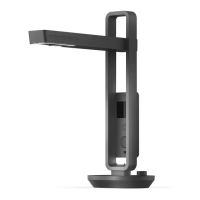
Explains key components like the main camera, fill light, and optional secondary camera.
Lists technical specifications including camera resolution, scanning size, and output formats.
Lists the items included in the CZUR Lens product packaging.
Provides guidance on installing the CZUR Lens software across different operating systems.
Outlines steps for device setup, including unpacking, connecting, and positioning the soft pad.
Directs users to download and consult the CZUR Lens Software Operation Instructions.
Troubleshooting steps for when the device's power indicator is not functioning correctly.
Addresses common issues during software installation, including compatibility and antivirus conflicts.
Solutions for no image display or scanning failures, involving cable connections, software restarts, and driver checks.
Details warranty coverage, return policies, maintenance, and exceptions to the warranty terms.
Lists conditions that void the warranty, such as improper use, unauthorized modifications, and natural disasters.
Provides contact details for CZUR TECH CO., LTD., including addresses, email, and website for support.
 General
| Brand | Czur |
|---|---|
| Type | Document Scanner |
| Scanning Technology | CMOS |
| Max. Scan Size | A3 |
| Document Size Support | A3, A4, A5 |
| Image Format | JPG |
| Output Formats | Searchable PDF, Word, Excel |
| Interface | USB |
| Connectivity | USB |
| Compatibility | Windows, macOS |
| Light Source | LED illumination |

 To Next Page