Need help?
Do you have a question about the Czur Shine and is the answer not in the manual?
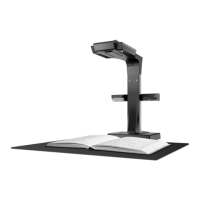
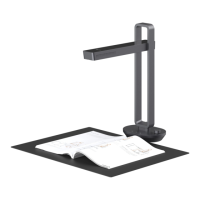
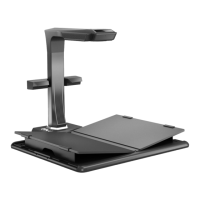
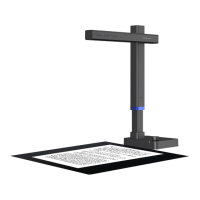
Provides a general overview of the CZUR Shine scanner's capabilities and technology.
Details the physical dimensions of the CZUR Shine scanner for different models.
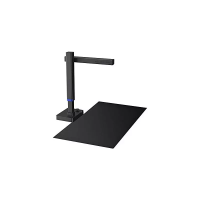
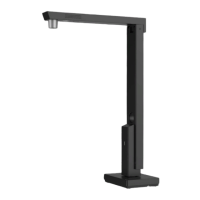
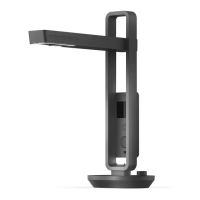
Illustrates and identifies the various components and parts of the CZUR Shine scanner.
Outlines the technical specifications for the main and optional cameras, video formats, and scanning parameters.
Lists the items included in the basic and document base versions of the CZUR Shine scanner.
Guides on installing the CZUR Shine software on compatible operating systems.
Provides instructions for unpacking, connecting, and preparing the CZUR Shine scanner for use.
Explains how to operate the CZUR Shine scanner and its software for scanning tasks.
Addresses problems related to the power indicator light not functioning correctly.
Explains issues with the device's standby status and power on/off functions.
Details common errors and solutions for installing the CZUR Shine software.
Covers issues with the scanner not displaying images or not scanning properly.
Addresses problems with abnormal or incomplete scanned images, including A3 format.
Outlines the warranty policy, coverage, and exceptions for the CZUR Shine scanner.
Provides contact details for technical support and service inquiries for CZUR products.
 General
| Connectivity | USB |
|---|---|
| Light Source | LED |
| Scanning Technology | CMOS |
| Type | Book Scanner |
| Max Scan Size | A4 |
| Operating System Support | Windows |
| Image Format | PDF, TIFF |
| Document Size | A4 |
| Power Source | USB Powered |

 To Next Page