Need help?
Do you have a question about the Czur ET16 Plus and is the answer not in the manual?
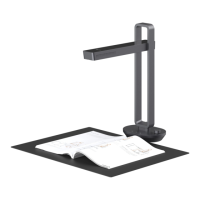
Sets up the scanner and positions the document pad for optimal scanning coverage.
Describes the initial screen and the functions of the scanning software.
Scans unbounded documents; software auto-crops and corrects book center automatically.
Scans bounded books with curvature, requiring placement under red lasers and minimum book length.
Allows manual selection of specific areas for scanning, without auto curve-straightening.
Explains five color modes: Color, Patterns, Stamps, Grayscale, and B&W for different document types.
Covers functions like Auto scan, Exposure adjustment, and Hint tone settings.
Allows exporting scanned images to various formats like TIFF, WORD, PDF, and Excel.
Enables editing multiple images simultaneously in a batch process.
Tools for adjusting central seams and laser lines for improved scan results.
Provides detailed measurements of the scanner's physical size from different angles.
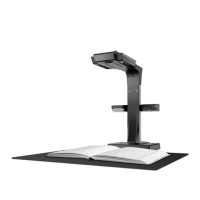
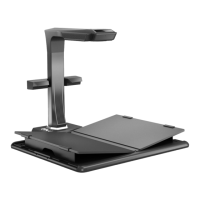
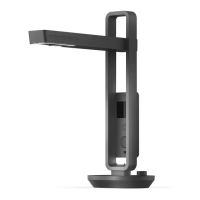
Details the various parts and components of the CZUR scanner with numbered labels.
Lists technical specifications including resolution, scanning speed, format, and supported OS.
Details the items included in the product package and their specifications.
Outlines the warranty scope, terms, and exceptions for the product.
Provides contact details for technical support, website, email, and physical addresses.
 General
| Optical Resolution | Up to 16 MP |
|---|---|
| Maximum Scanning Size | A3 |
| Connectivity | USB 2.0 |
| Image Sensor | CMOS |
| Light Source | LED |
| OCR | Yes |
| Scanning Technology | Contact Image Sensor (CIS) |
| Scanning Speed | 1.5 s/page |
| Supported File Formats | JPG, PDF, TIFF |
| Type | Document Scanner |
| DPI | 300 DPI |
| Scanning Area | A3 |
| Compatibility | Windows, macOS, Linux |

 To Next Page