·
When the software is in flat single page mode, there is no auto curve-straightening
function applied.
2.
Facing Pages: to scan bounded books with curvature
·
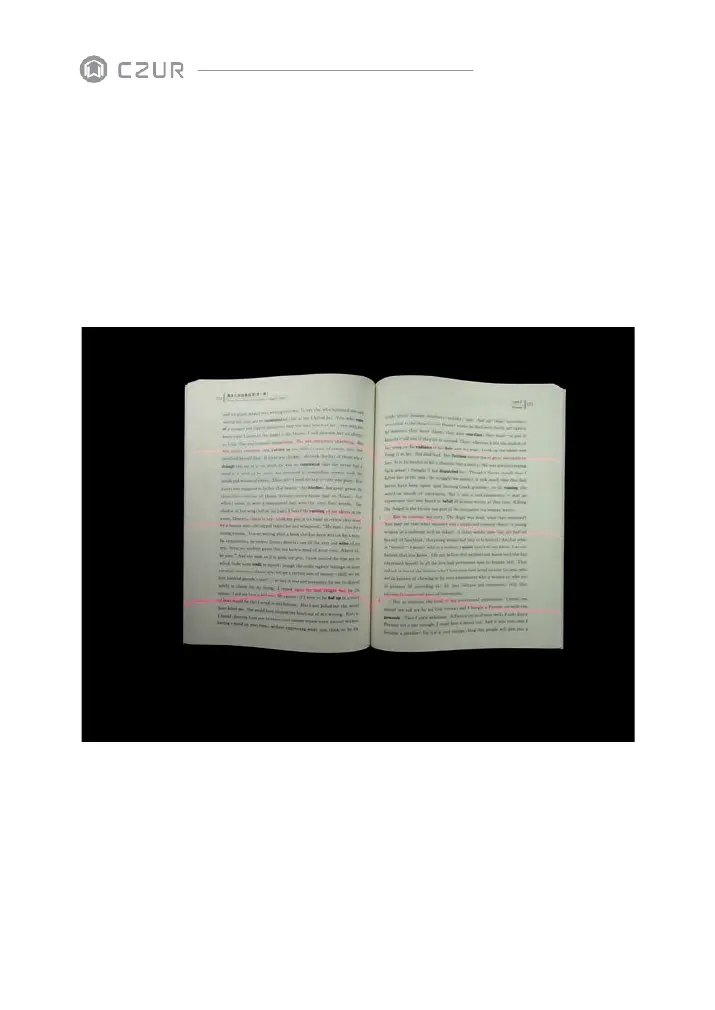
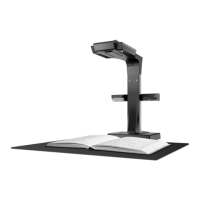
Books must be placed under where the three red lasers are (see picture below). The
length of the book must be more than 12cm.
·
Can scan the next page when the three lasers line disappear or when you hear the
hint tone
Note: the following incorrect operation might result in a less satisfying scanning result:
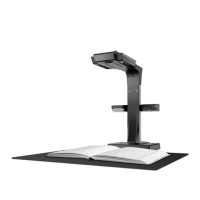
Not using the black document pad.


 To Next Page