Chapter I Operation Guidelines
1.1 Scanning Preparation
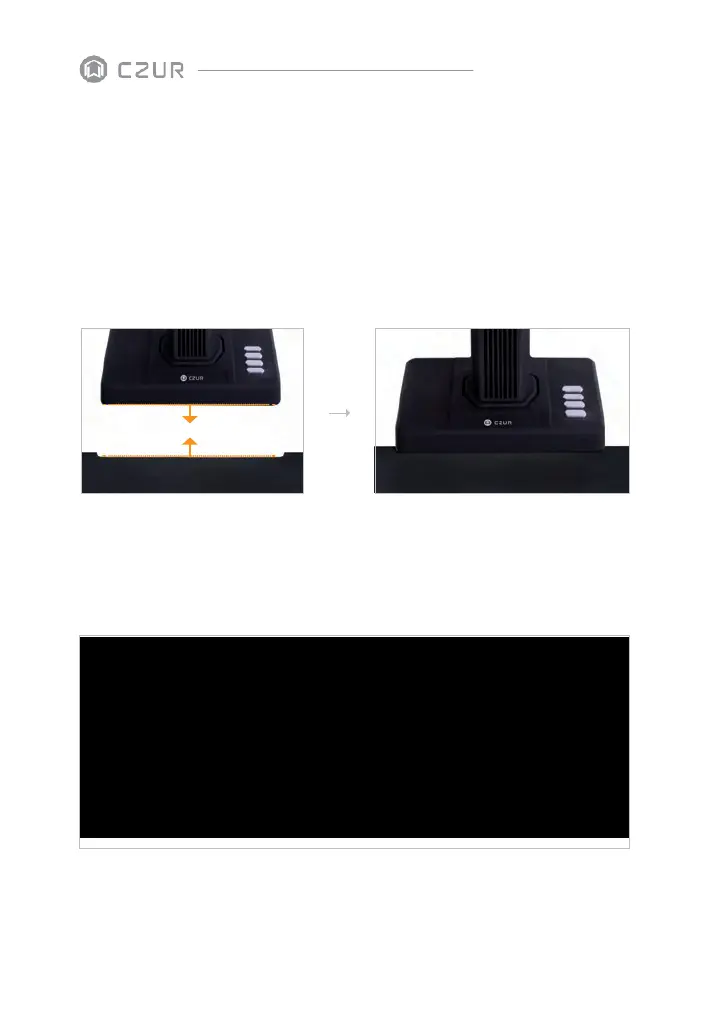
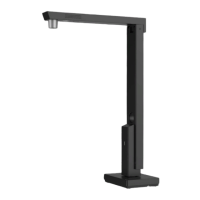
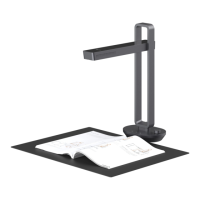
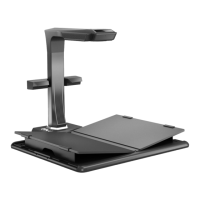
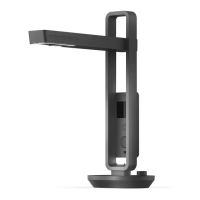
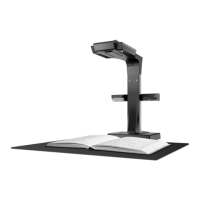
Set up the scanner, and make sure the black document pad is placed like the picture
below. Check the LCD and ensure the black document pad covers the entire screen
without showing its edges.
1.2 When Open the Software
Open page:
Scanner: to scan books/docs
Visual Presenter: to record videos while TFT screen can display


 To Next Page