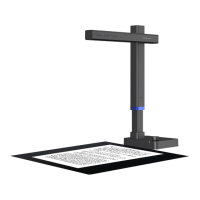
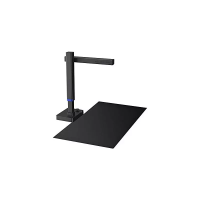
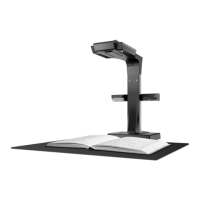
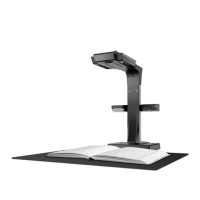
Notes:
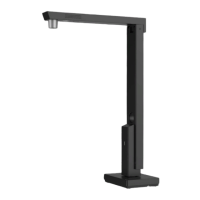
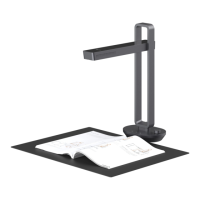
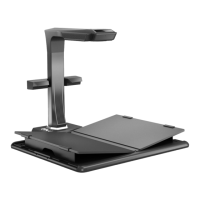
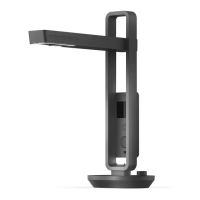
The pictures above show the most complete configurations of the basic
version of the Shine series. Users can choose the configurations according to
their needs. The pictures of each model are for reference only.
1, 2, 3, and 4, are respectively the secondary camera casing(Optional), cross-bar casing,
vertical bar, and the base.
"Knob":Press the Knob to turn on/turn off the light, turn the Knob anticlockwise to
darken the light, and clockwise to brighten the light.
Power Indicator: The blue indicator light is on and the device is power on when it is
connected to the computer via the USB cable. It supports hot plugging.
Secondary Camera (Optional): It supports scene preview, video, shooting, and so on,
and assists the main camera to support the picture-in-picture function.
Secondary Camera Indicator: The secondary camera is on/off when the blue light is
on/off.
Top Fill Light: Turn the Knob to turn on/off the light and adjust its brightness.
Main Camera: Scan documents, files, forms, vouchers, ID documents and so on with
the [CZUR Shine] software.
Type A USB Port: connects to the foot pedal.
Type B USB Port: connects to the computer.
Foot Pedal (Optional): With you heel on the ground, and toes on the foot pedal you
can start scanning. (Easy and hands-free scanning)
5、
6、
7、
8、
9、
10、
11、
12、
13、


 To Next Page
 Loading...