8D-Link DAP-1525 User Manual
Section 2 - Installation
Connection - AP Mode
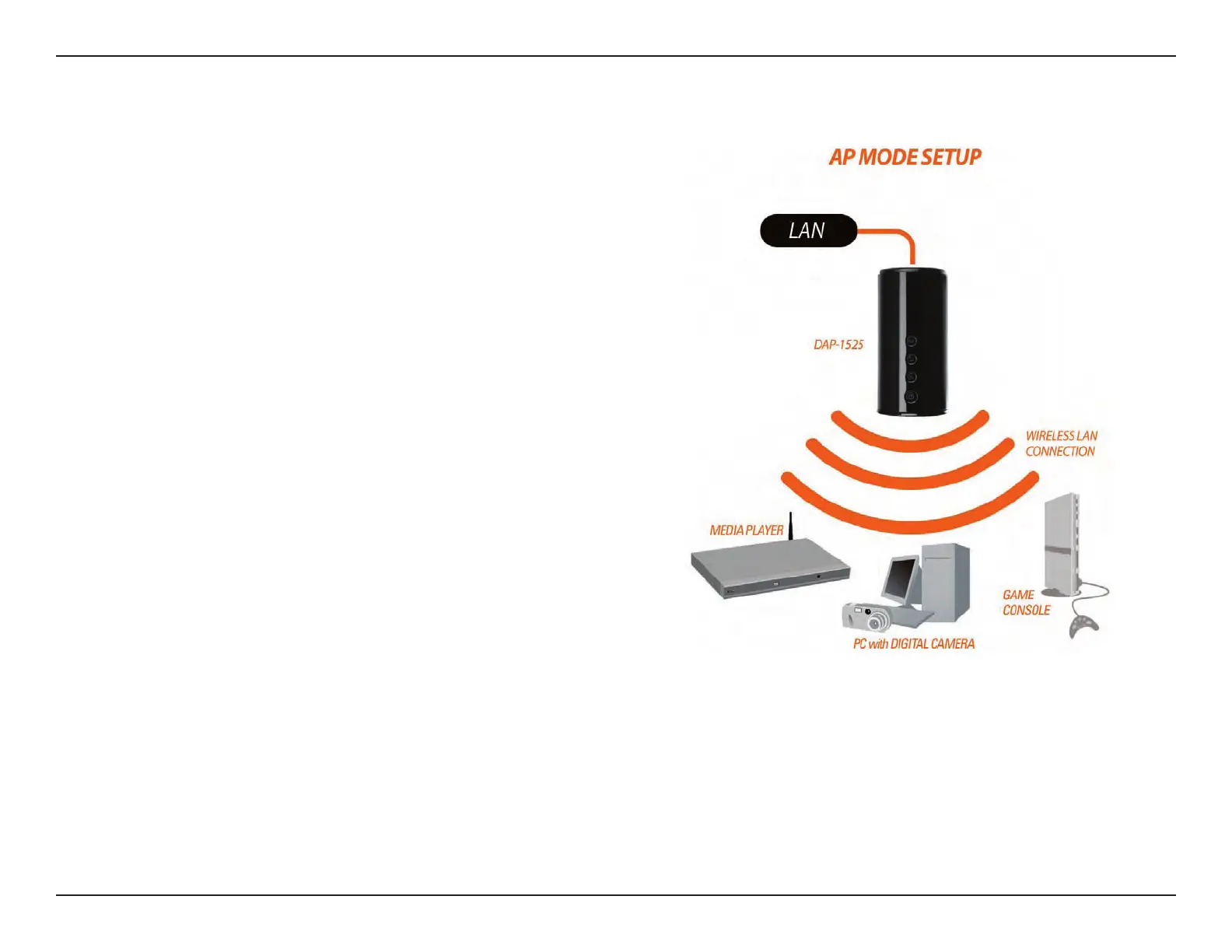
To use the DAP-1525 in AP Mode, follow the steps below:
1. Ensure you have a broadband Internet connector,
such as a cable or DSL client line that connects the
Internet to your home or ofce.
2. Connect the cable properly or install the modem.
3. Connect the cable or modem with the broadband
Access Point.
4. Connect the DAP-1525’s Ethernet port to your LAN.
5. Move the switch to wireless 2.4GHz AP, or 5GHz AP
Mode.
6. Connect your PC or notebook to the DAP-1525 using
the PC or notebook’s wireless adapter.



 To Next Page