65D-Link DAP-1525 User Manual
Section 5 - Connecting to a Wireless Network
Connect Using WCN 2.0
The Access Point supports Wi-Fi protection, referred to as WCN 2.0 in Windows Vista
®
. The following instructions for
setting this up depends on whether you are using Windows Vista
®
to congure the Access Point or third party software.
When you rst set up the Access Point, Wi-Fi protection is disabled and uncongured. To enjoy the benets of Wi-Fi
protection, the Access Point must be both enabled and congured. There are three basic methods to accomplish this:
use Windows Vista’s built-in support for WCN 2.0, use software provided by a third party, or manually congure.
If you are running Windows Vista
®
, log into the Access Point and click the Enable checkbox in the Advanced > Wi-Fi
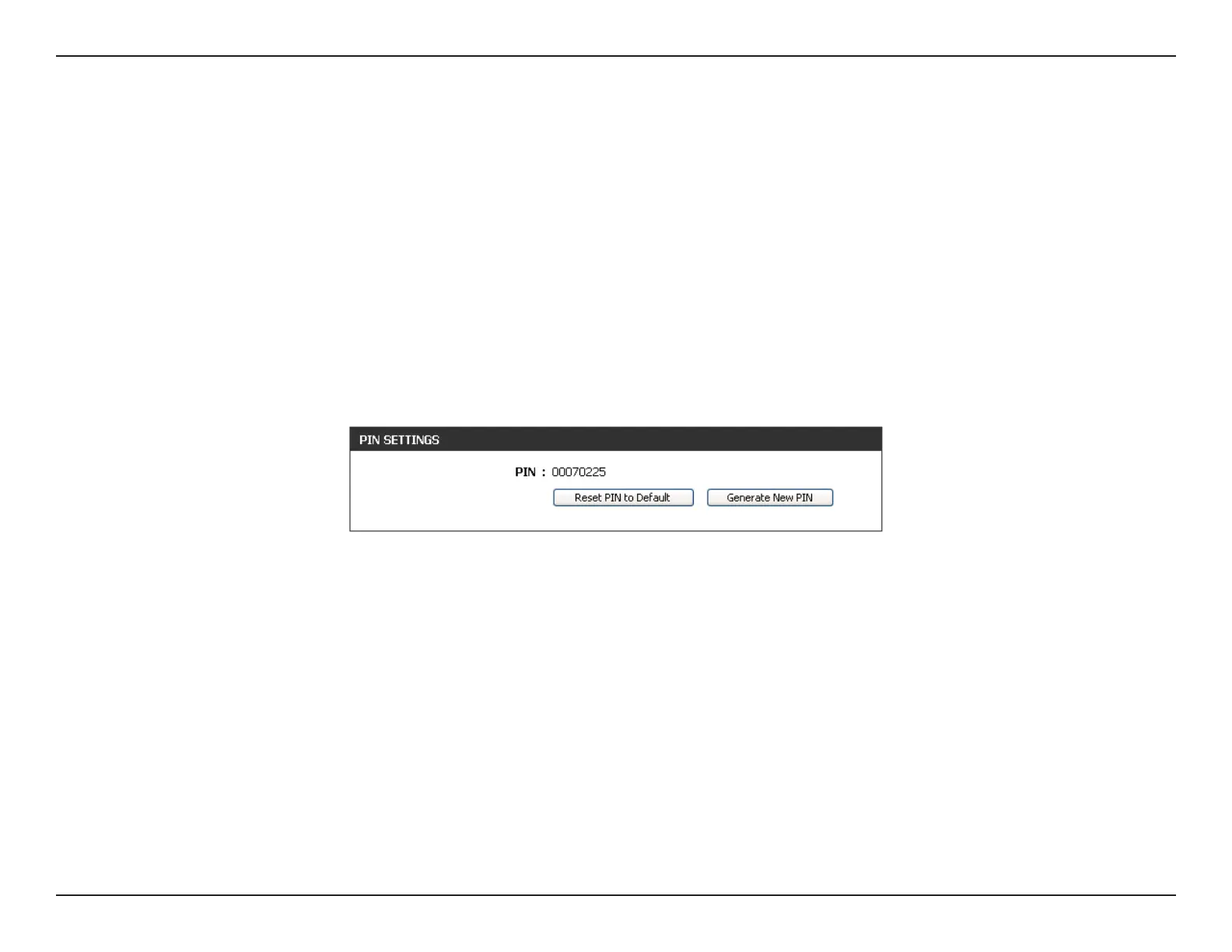
Protected Setup window. Use the Current PIN that is displayed in the PIN Settings section of Advanced > Wi-Fi
Protected Setup window or choose to click the Generate New PIN button or Reset PIN to Default button.
If you are using third party software to set up Wi-Fi Protection, carefully follow the directions. When you are nished,
proceed to the next section to set up the newly-congured Access Point.















 To Next Page