EasyManua.ls Logo

D-Link DAP-2310 - Qp Iwtcvkqp

D-Link DAP-2310
79 pages
Print Icon
To Next Page IconTo Next Page
To Previous Page IconTo Previous Page
Loading...
14D-Link DAP-2310 User Manual



Network
Layout diagram
).
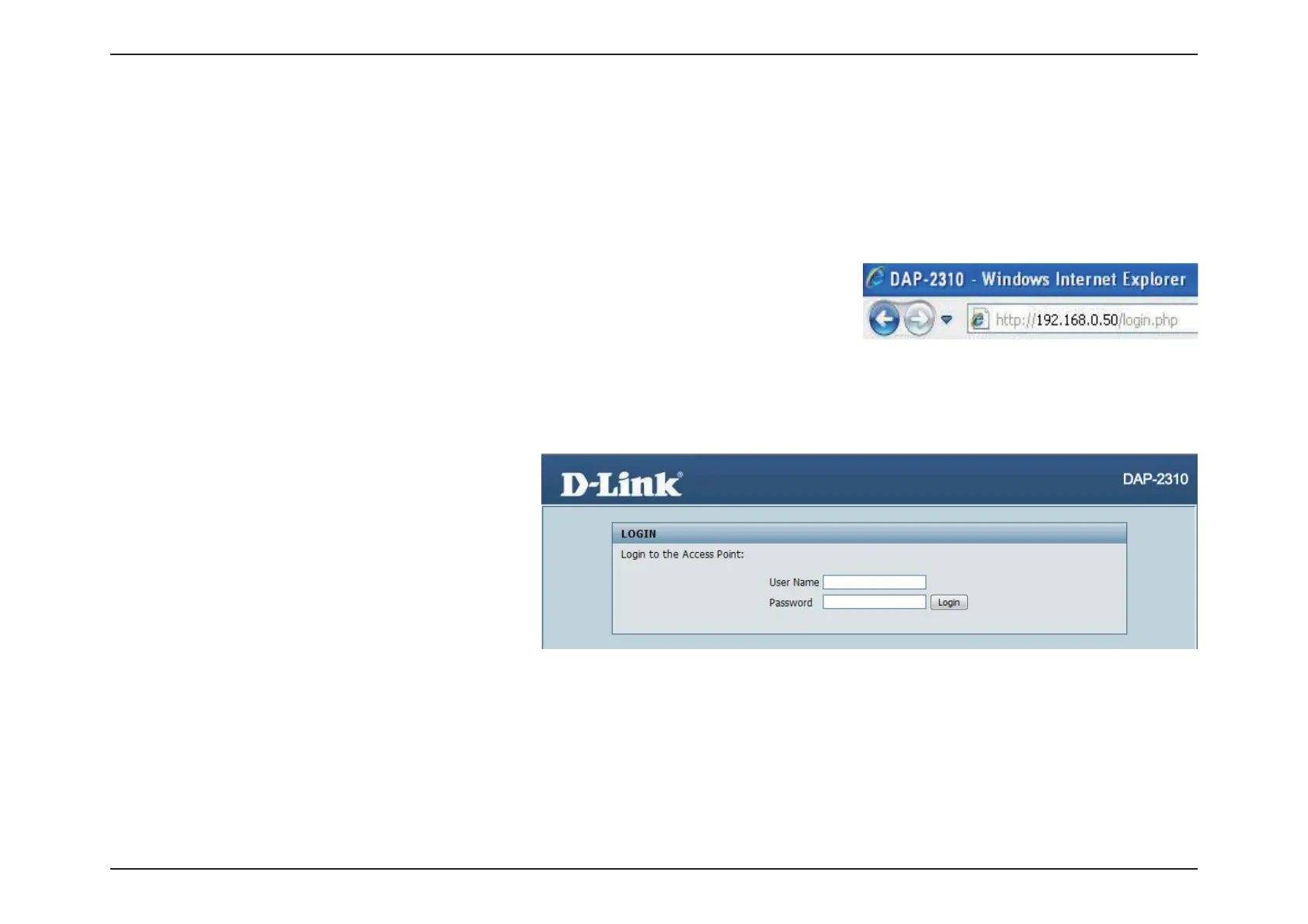
Launch your web browser.
http://192.168.0.50)
and press Enter. Make sure that the IP addresses of the DAP-2310 and your
computer are in the same subnet.
Note: If you have changed the default IP address assigned to the DAP-2310, make sure to enter the correct IP address.
adminLogin.
Note: If you have changed the password, make
sure to enter the correct password.

Related product manuals