66D-Link DAP-2310 User Manual
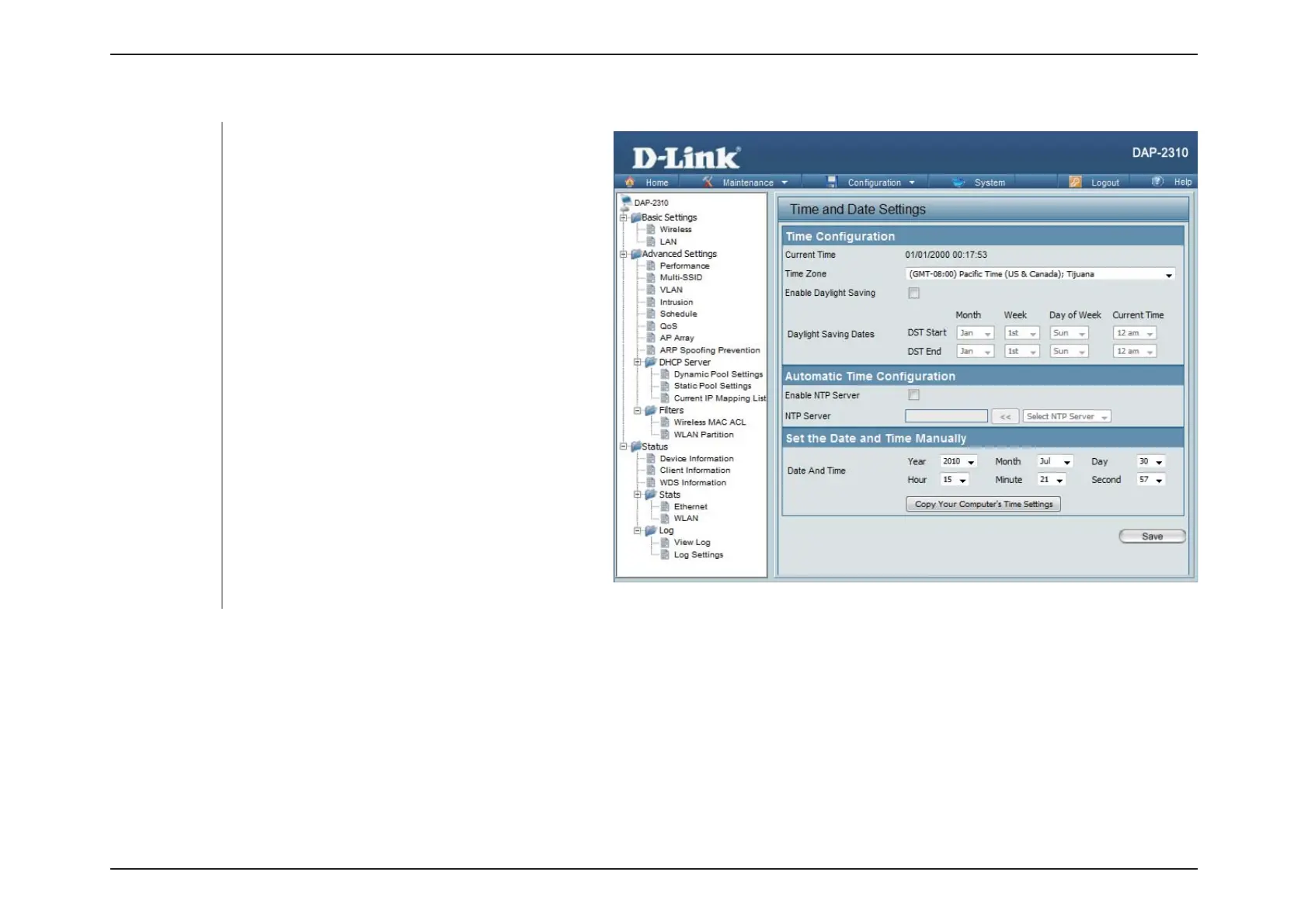
Time and Date
Displays the current time and date settings.
Use the drop-down menu to select your
correct Time Zone.
Check the box to Enable Daylight Saving
Time.
Use the drop-down menu to select the correct
Daylight Saving offset.
Check to enable the AP to get system time
from an NTP server.
Enter the NTP server IP address.
AP here, or you can click the Copy Your
Computer’s Time Settings button to copy
the time from the computer you are using
correctly).
Current Time:
Time Zone:
Enable Daylight
Saving:
Daylight Saving
Dates:
Enable NTP
Server:
NTP Server:
Set the Date and
Time Manually:













 To Next Page