13D-Link DCH-S161 User Manual
Section 2 - Installation
Please follow the instructions below to add your Wi-Fi Water Sensor to your Google Assistant.
Step 1:
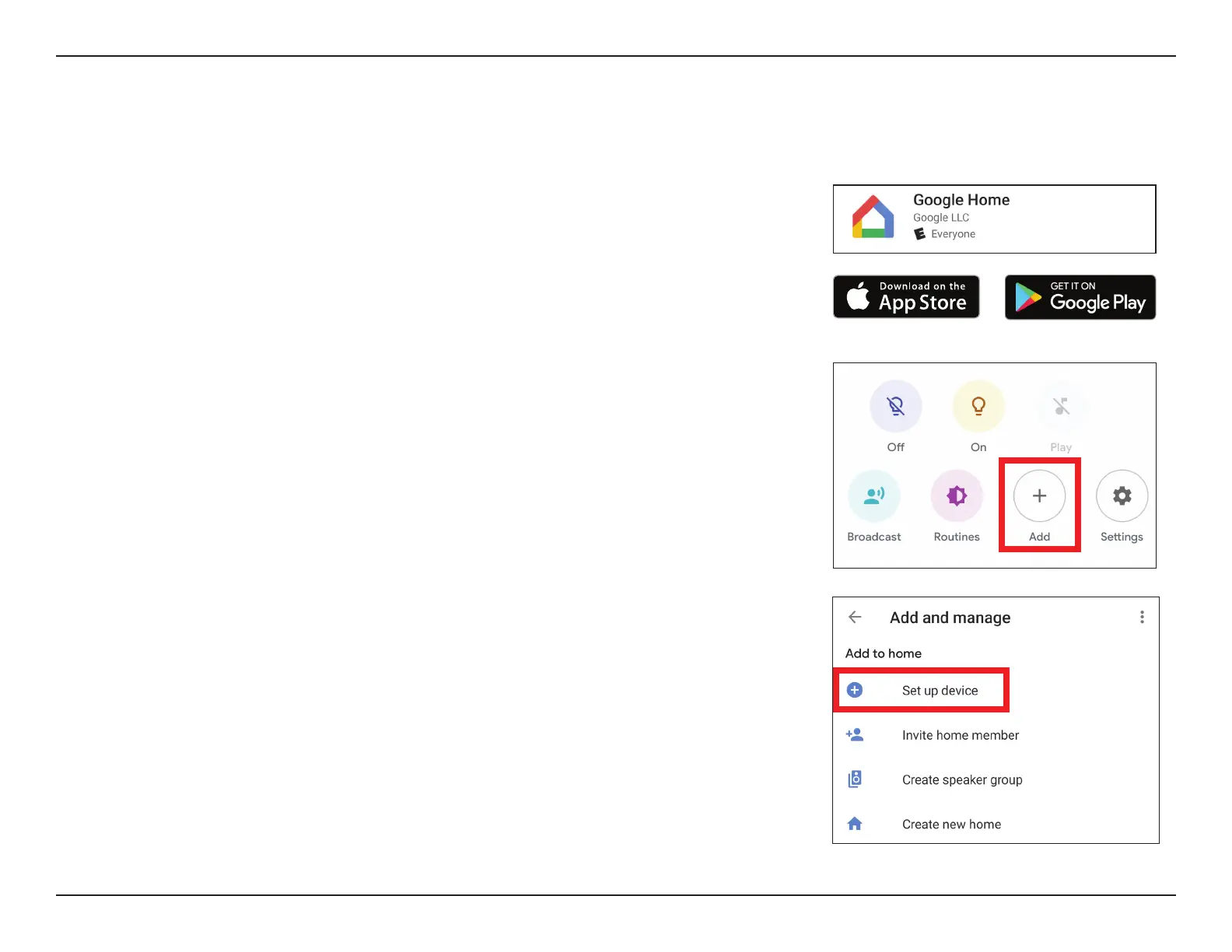
Download the Google Home app from the App Store (iOS) or Google Play (Android).
Note: Please ensure that your device is connected to the internet and is connected to the same
Wi-Fi network as your water sensor.
Step 2:
Tap on the plus sign icon in order to add a new device.
Note: The app is consistently being updated and screenshots are subject to change.
The Google Assistant Installation
Step 3:
Tap on Set up device.


 To Next Page