22
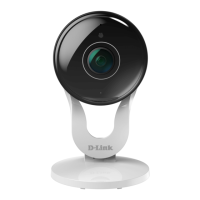
Q7: How do I access my DCS-8000LH camera remotely?
In order to view your mydlink cam remotely through the mydlink portal or using the mydlink app, you must
register your camera to a mydlink account. This is done while running the Camera Installer which came
supplied with your camera.
Please go to http://support.dlink.com/
Q8: What can I do if my DCS-8000LH is not working correctly?
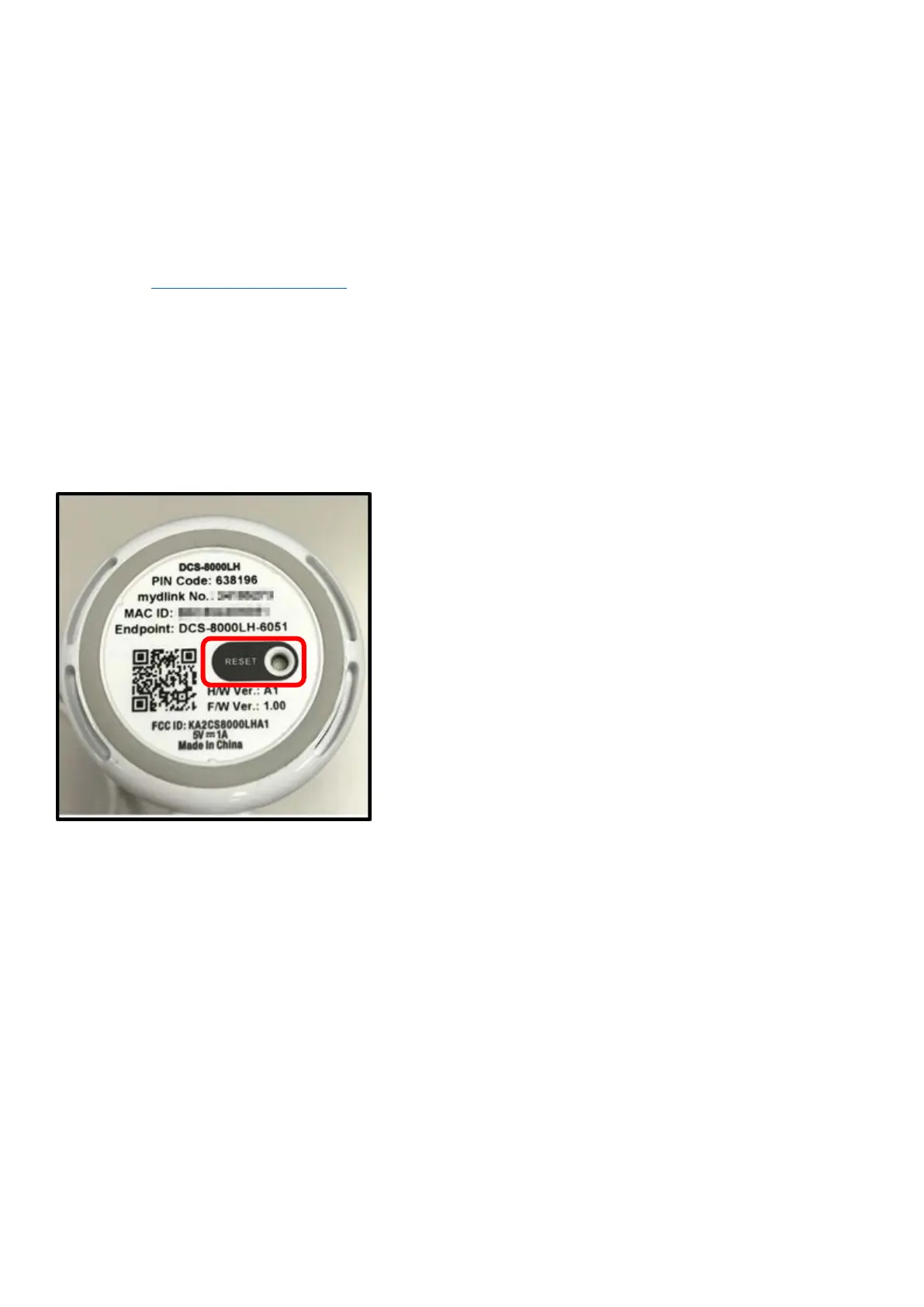
• Reset the camera and run the setup steps again.
To reset the camera, use a paper clip and then press and hold the reset button for 10 seconds and release.
• To make sure your hardware is installed correctly, make sure that:
- Your Internet connection is working.
- Your router’s LAN & WAN connections are working.
- Your router supports UPnP.
- Your camera is on the same network as your mobile device.
- Both your mobile device and camera have a working Internet connection.
• If your camera is still not working, check your router and make sure it has the latest firmware.



 To Next Page
 Loading...