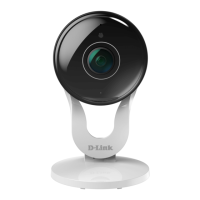
16D-Link DCS-8300LH User Manual
Section 3: mydlink
Using the mydlink
TM
App
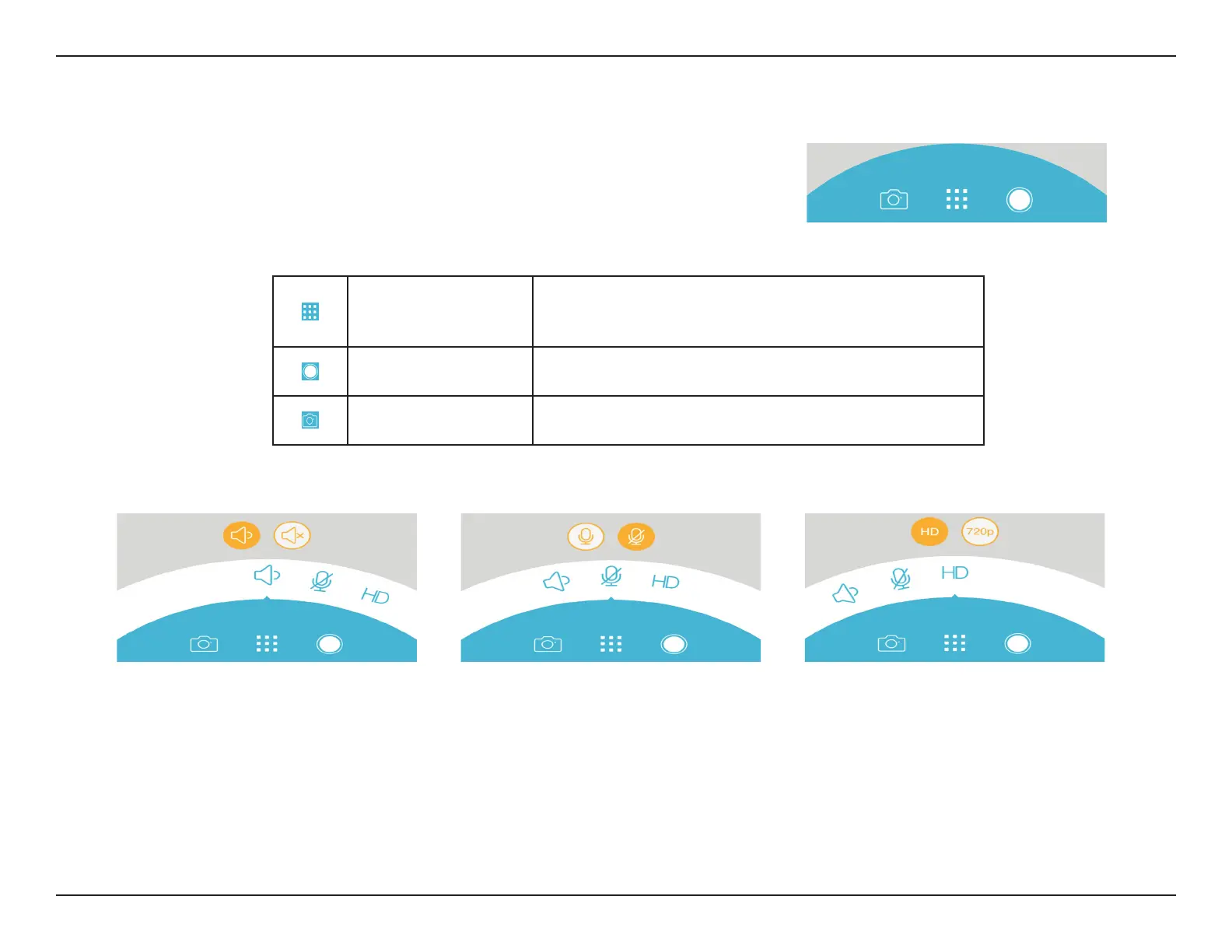
Options Toggle
Click on this icon to review various live video options
such as toggling microphone and speaker on-
and-o and selecting the video quality
Recording
Click on this button to enable recording of the video
stream.
Snapshot
Click on this button to take a snapshot from the video
stream.
On the bottom half of the app you will see control options for your camera.
Note: Speaker is half-duplex only; it lets you hear and speak from the DCS-8300LH's microphone and speaker via the mydlink
app, but only one-way at a time.








 To Next Page