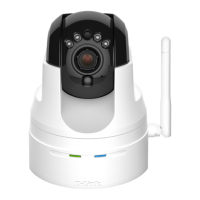
23D-Link DCS-932L User Manual
Section 4 - Web Conguration
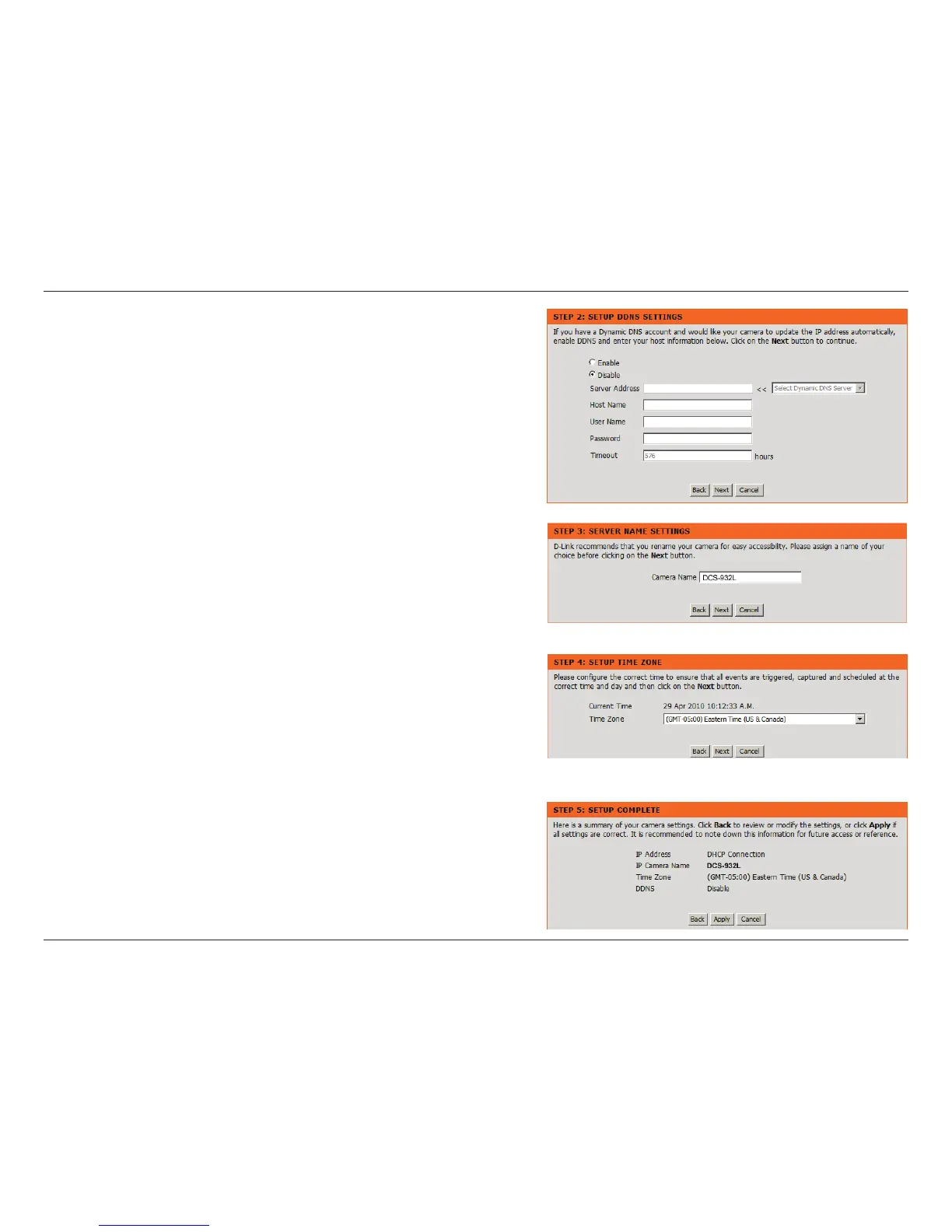
Enter a name for your camera. Click Next to continue.
Congure the correct time to ensure that all events triggered, captured and
scheduled at the right time. Click Next to continue.
This page displays your congured settings. Click Apply to save and activate the
setting, or Back to change your settings.
Click Next to continue.
If you have a Dynamic DNS account and would like the camera to update your IP
address automatically, enable DDNS and enter your host information.
Click Next to continue.






 To Next Page