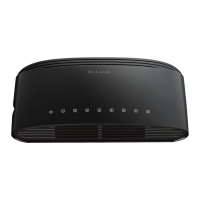
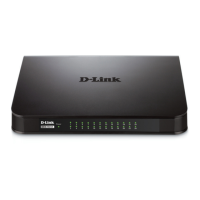
10BASE-T Stackable Hubs
2
2 EXTERNAL FEATURES
AND INDICATORS
This chapter introduces the controls and connectors on the front and rear
panels of the hub, and explains the front panel display in detail.
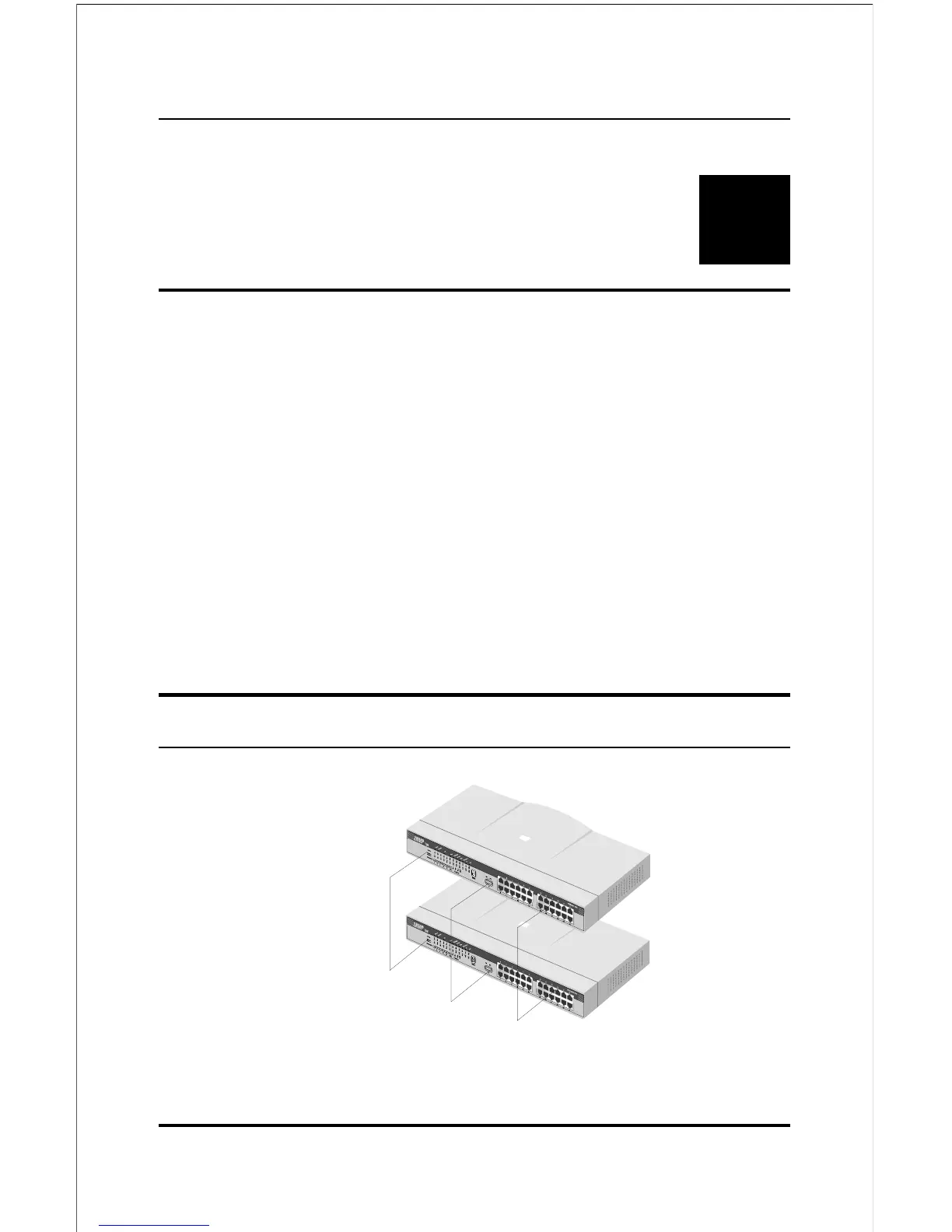
Figures 2-1, 2-2 and 2-3 show the layouts of the front panel, rear panel, and
display of the stackable hubs. Note that there are variations in the
appearances of the front and back panels between hubs in the series. Only
the 24-port models are depicted in this User's Guide.
Front and Back Panel Layouts
Uplink Switch
1



 To Next Page