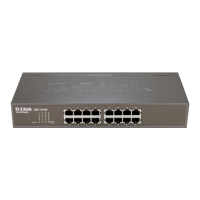
10BASE-T Stackable Hubs
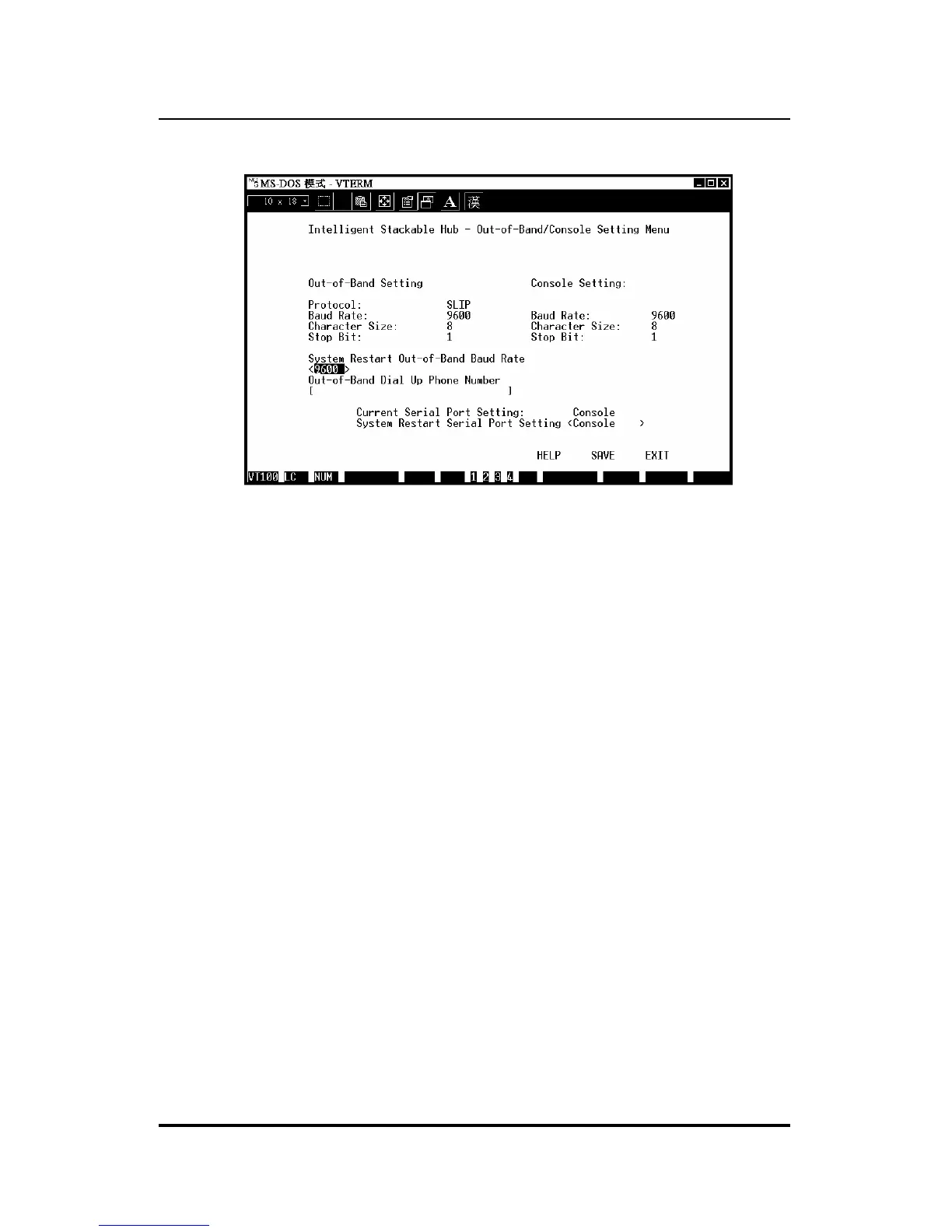
Figure 6 -5 Out-of-Band/Console Setting Menu
Software Updates
The hub is capable of obtaining its boot-time configuration information, as
well as updated versions of its internal firmware, using TFTP (the Trivial
File Transfer Protocol) and BOOTP (the BOOTstrap Protocol). You can use
the Software Update menu to control this feature.
The fields you can set in this menu are:
♦ Software Update Determines whether or not the hub will try to look
for a configuration file over the network. If set to Disable, none of
the fields below have any effect.
♦ Software Update Mode Set to either Network or Out-of-band.
Determines whether the configuration file should be obtained through
the Ethernet network or through the console port.
♦ Boot Protocol Set to either TFTP ONLY or
BOOTP&TFTP.
Applies only if the S/W Update Control is enabled.
Using the Console Interface 6-9



 To Next Page