DFE-530TX 10/100Mbps Ethernet Adapter for PCI Bus
Installation 9
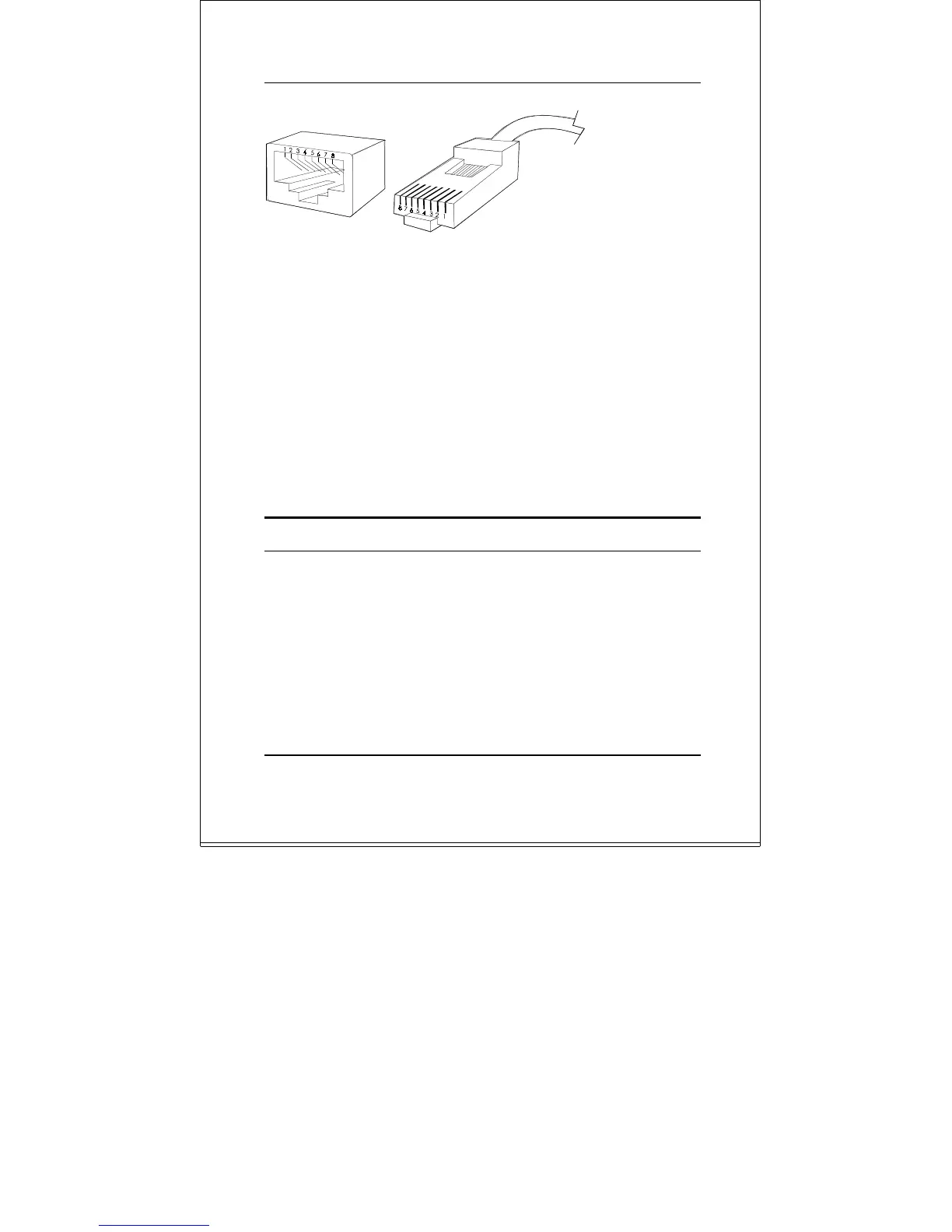
Connecting for 10-Mbps Ethernet
Category 3, Category 4, and Category 5 UTP cable, as well
as EIA/TIA-568 100-ohm STP cable, all qualify under
Ethernet cabling rules. The maximum cable run between
the DFE-530TX and the supporting hub is 100 meters. The
cable must be
straight
(not a
crossover
cable) with RJ-45
connector at each end. Make the network connection by
plugging one end of the cable into the RJ-45 jack of the
DFE-530TX, and the other end into a port of the supporting
hub.
Software Installation
On account of the great variety of network environments for
which the DFE-530TX may be used, and revisions of those
network systems, the instructions for software installation
are given as README files on the DFE-530TX Software
Diskette. Review the root directory README for overview
information, and for full installation details, see the
README and referenced instruction files in the sub-
directory appropriate to your network operating system.



 To Next Page